EN
35
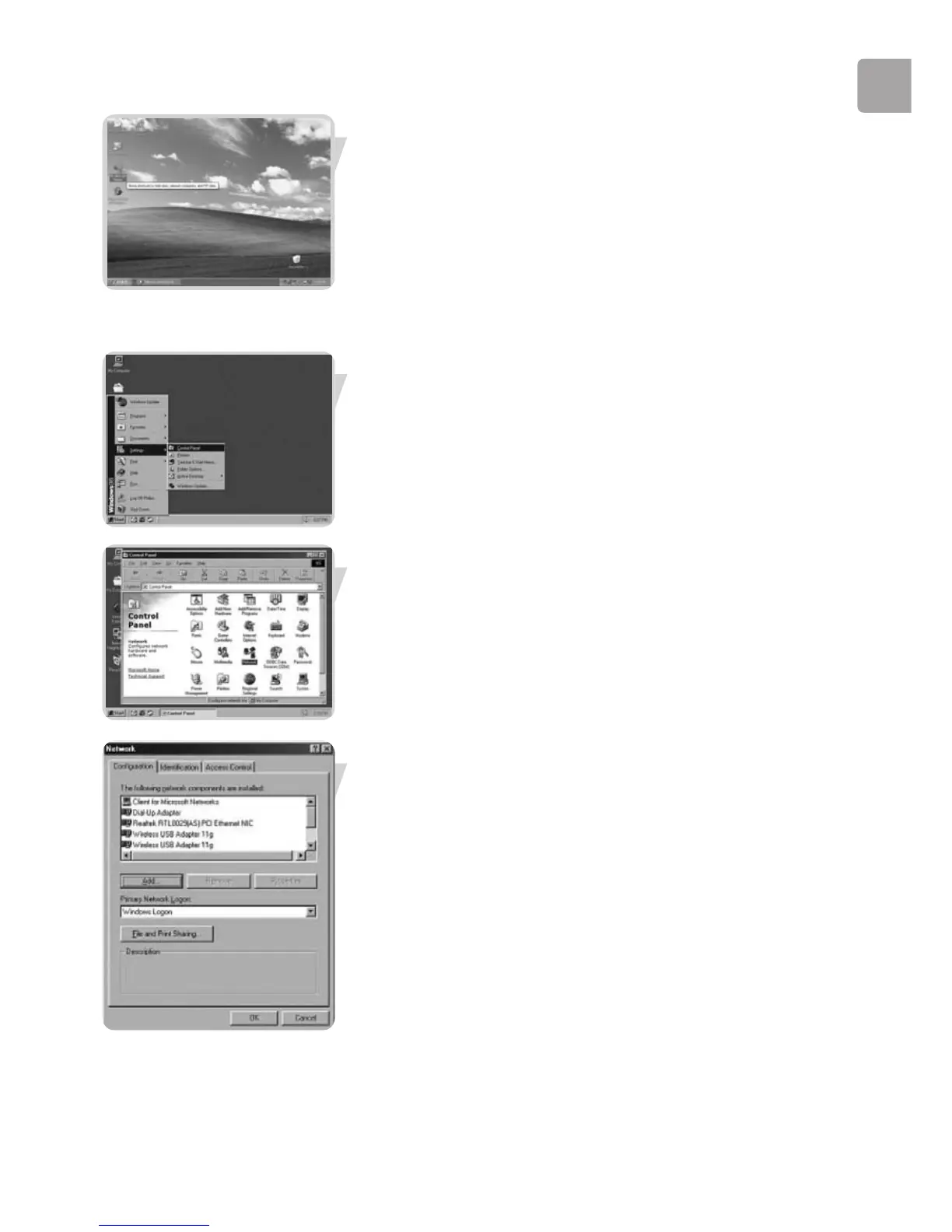
To explore the network: Double-click the Network Environment icon on the
desktop.
If you need more information, consult Windows Help.
For Windows 98SE and Windows ME.
See earlier on in this chapter for Windows XP and Windows 2000.
Click the Windows Start button, click ‘Settings’, and click ‘Control Panel’ from the
list.
Double-click the ‘Network’ icon.
Click the ‘Identification’ tab.



 To Next Page