EN
37
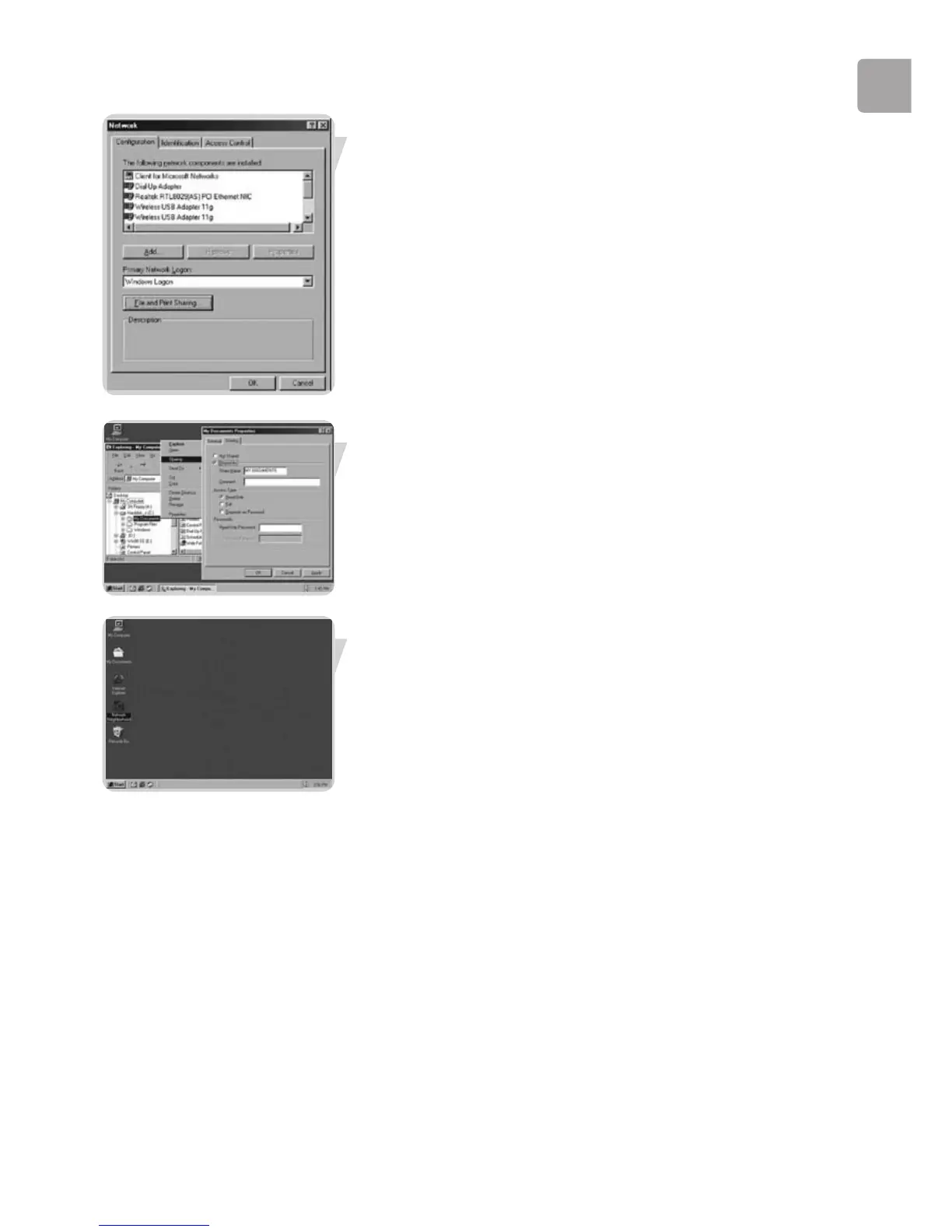
Click ‘OK’ to accept the changes.
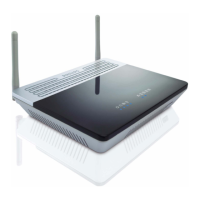
To share folders with the network: Start Windows Explorer and right-click the folder
you wish to share with the network. Click the ‘Sharing’ tab and adapt the settings.
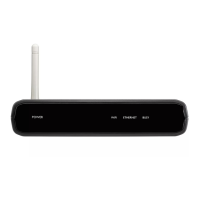
To explore the network: Double-click the Network Environment icon on the
desktop.
If you need more information, consult Windows Help.



 To Next Page