20
English
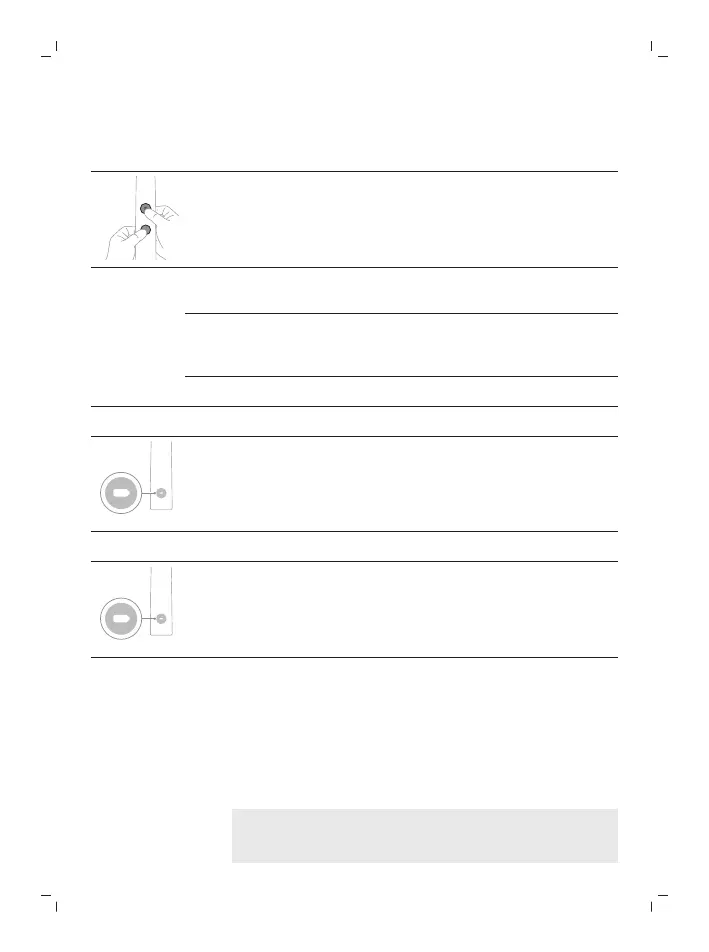
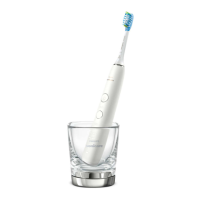
Step 1: Place the handle on the charging stand or in the
charging glass.
Step 2: Press and hold the mode/intensity button.
EasyStart Pressure Sensor
Feedback
Brush Head
Replacement Reminder
Press the power
on/off button 1
time.
Press the power
on/off button 2
times.
Press the power on/off
button 3 times.
¯ ¯ ¯
Step 3: Let go of the mode/intensity button.
If you see the battery indicator flash white 2 times and hear 2
beeps then the feature has been activated.
OR
If you see the battery indicator flash amber 1 time and hear 1
beep, then the feature has been deactivated.
Charging and battery status
This Philips Sonicare toothbrush is designed to provide at
least 28 brushing sessions, each session lasting 2 minutes
(14 days if used twice per day) on a fully charged battery.
The battery indicator shows the battery status when you
complete the 2-minute brushing session, when you pause
the toothbrush, or while it is charging.
Note: It can take up to 24 hours to fully charge the
battery before first use, but you can use the Philips
Sonicare toothbrush before it is fully charged.






 To Next Page