21
English
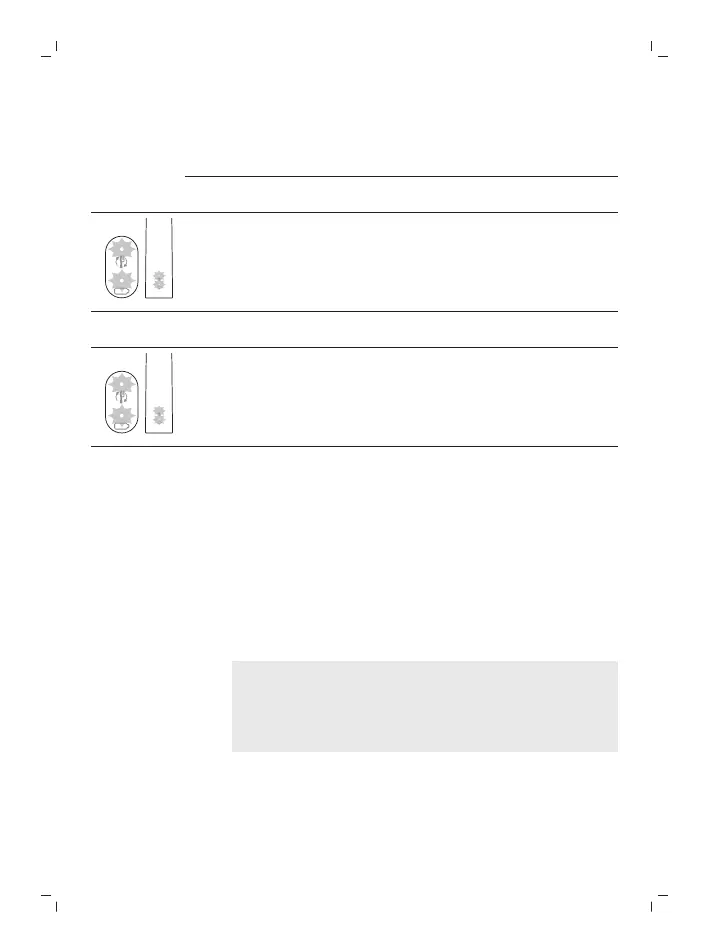
1 beep 1 beep and
then 2 beeps
1 beep, 2 beeps and
then 3 beeps
¯ ¯ ¯
If you see the battery indicator and the brush head
replacement reminder light flash green 2 times and
hear 3 tones from low to high, then the feature has
been activated.
OR
If you see the battery indicator and brush head
replacement reminder light flash amber 1 time and
hear 3 tones high to low, then the feature has been
deactivated.
Charging and battery status
This Philips Sonicare toothbrush is designed to
provide at least 28 brushing sessions, each
session lasting 2 minutes (14 days if used twice
per day) on a fully charged battery. The battery
indicator shows the battery status when you
complete the 2-minute brushing session, when
you pause the toothbrush, or while it is charging.
Note: It can take up to 24 hours to fully charge
the battery before first use, but you can use the
Philips Sonicare toothbrush before it is fully
charged.
Charging
Charging on charger (D-shaped charger)
1 Plug the charger into an electrical outlet.






 To Next Page