12
English
Battery fully charged
When the battery is fully charged, the battery charge
indicator and the ring on the pad light up white
continuously.
Note: Both lights switch off automatically after 15
minutes.
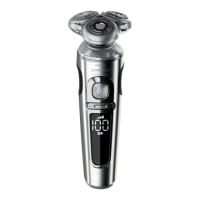
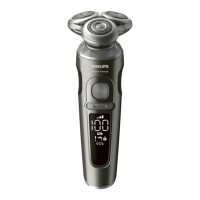
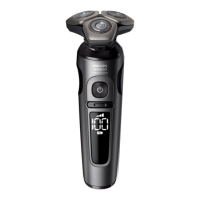
The battery charge percentage lights up white
continuously, which is shown when the shaver is
moved.
Battery low
When the battery is almost empty, the battery charge
indicator flashes orange and the shaver beeps. At this
point there is enough energy left for one shave..
Remaining battery charge
The remaining battery charge is indicated by the
battery charge percentage shown on the display.
Personal comfort settings
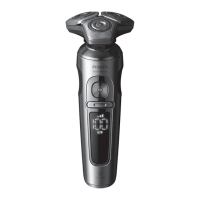
The shaver has a feature that allows you to
personalize your settings. Depending on your
personal shaving needs, choose between three
settings, from low to high: comfort, dynamic or
efficiency. When you press the button on the left or
right of the display, the segment of the personal
comfort settings bar lights up to indicate the selected
setting. To select a lower or higher setting, press the
button on the left or right of the display.




 To Next Page