Correct disposal of your old product helps to prevent
potentialnegativeconsequencesfortheenvironmentand
human health.
Environmental information
All unnecessary packaging has been omitted. We have
tried to make the packaging easy to separate into three
materials:cardboard(box),polystyrenefoam(buffer)and
polyethylene(bags,protectivefoamsheet.)
Your system consists of materials which can be recycled
and reused if disassembled by a specialized company. Please
observe the local regulations regarding the disposal of
packagingmaterials,exhaustedbatteriesandoldequipment.
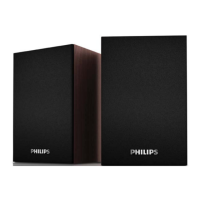
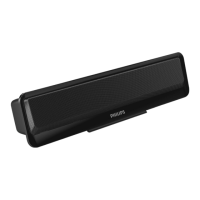
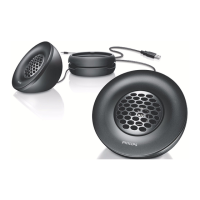
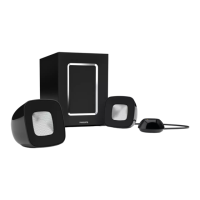
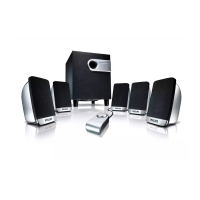
Your multimedia speaker
Congratulations on your purchase and welcome to Philips!
TofullybenetfromthesupportthatPhilipsoffers,register
your product at www.philips.com/welcome.
Use your multimedia speaker
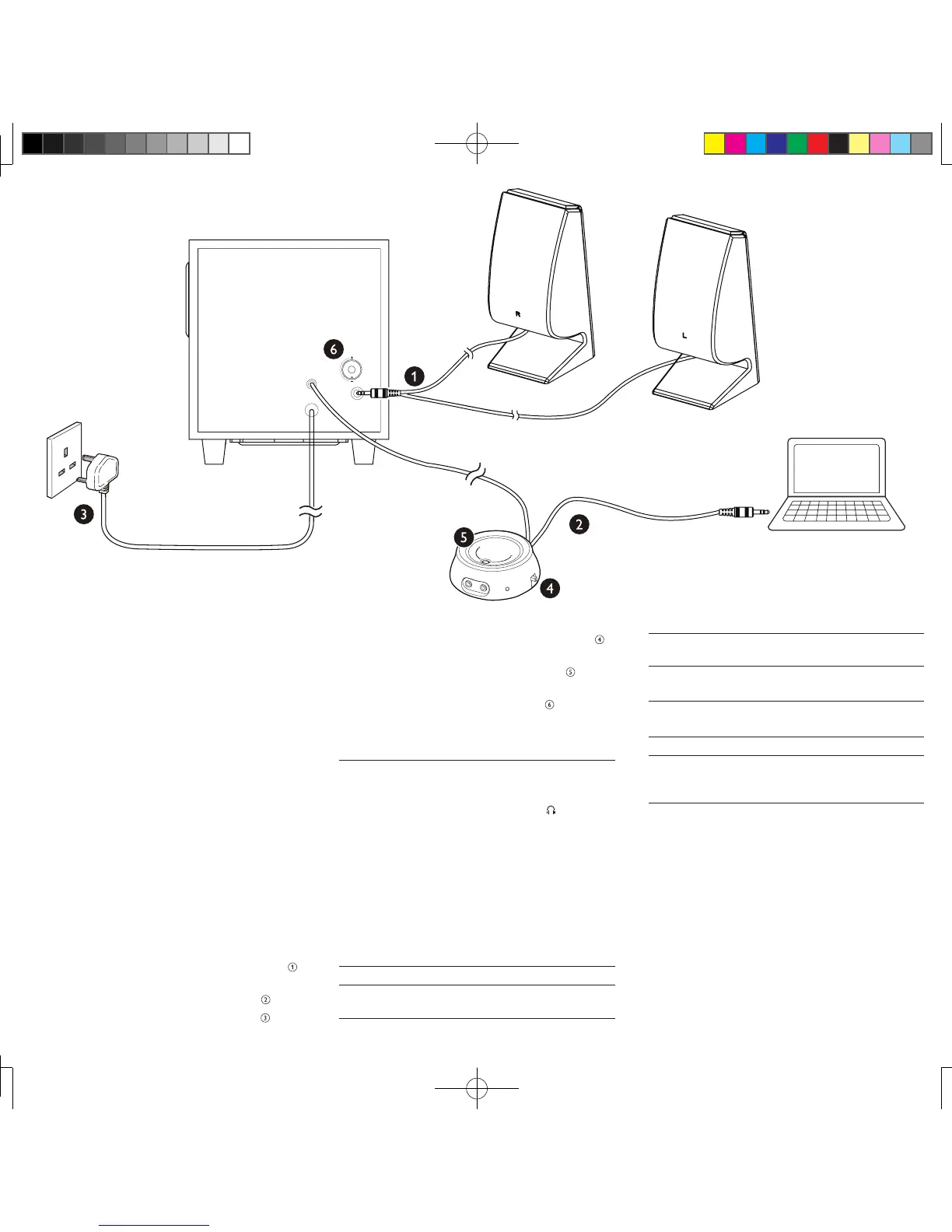
1 Insertthespeakerplugintoaudiooutputsocket( ).
2 Connect the audio input plug on remote control to
theaudiooutputsocketofyourcomputer( ).
3 ConnecttheACplugtoACpowersocket( ).
4 Turn the power button on remote control to ON( ).
» Amber LED on the remote control is on.
5 Adjustthevolumebytheremotecontrol( ) or by
the computer application.
6 Rotate BASSknobtoadjustthebass( ).
7 Afteruse,turnthepowerbuttononremotecontrol
to OFF and unplug.
Optional function
• To listen through a headphone:
Connectaheadphone(notsupplied)tothe socket.
• To play music from an external audio device such as
an MP3 player:
1 ConnectanMP3linkcable(notsupplied)totheAUX
socket and the headphone socket on the device.
2 Play music from the device.
Product information
Specications:
AC power input 100-240V~50/60Hz,550mA
Operation power
consumption
<28W
Standby power
consumption
<0.5W
Dimensions(WxH
x D)
Subwoofer:190x200x225mm
Speakers:80x187x88mm
System Requirements:
PC Mac
Windows
®
98SE,Windows
®
ME,
Windows
®
2000,Windows
®
XP,or
Windows
®
Vista™,Windows7
Mac OS9/OS
®
X,
or later
Troubleshooting
Tokeepthewarrantyvalid,nevertrytorepairthesystem
yourself.
Ifyouencounterproblemswhenusingtheproduct,check
thefollowingpointsbeforerequestingservice.Ifthe
problemremainsunsolved,registeryourproductandget
support at www.philips.com/support.
• Make sure that the speakers are correctly installed.
• Make sure the LED lights up.
';*/55;:6;:
';*/5/46;:
('99
<<d.`
S'
SPA4355_05_UM_V1.0.indd 2 11/21/2012 3:40:25 PM


 To Previous Page
 Loading...