Bluetooth Operating Instruction
1. Press SOURCE key from front panel or remote to go to Bluetooth;
2. When selected the Bluetooth mode, in display, “bt” will start blinking and hear an audio tone which indicate in
Bluetooth pairing mode.
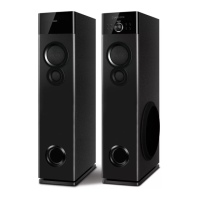
3. For pairing with mobile phone or other Bluetooth devices, search the device named “SPA5190B” and
pair it. Once paired, “bt” stops blinking and an audio tone will come up.
4. Press and hold “ ” for continuous 3 seconds from remote in order to force disconnect the Bluetooth.
Note: While using Bluetooth, if external call comes, then speaker system goes in mute mode in
order to protect privacy of mobile phone user. Operation resumes once the call is disconnected.
7


 To Next Page