VLounge
All applications can be accessed via the Philips V(ideo)-Lounge
application.VLounge is the central application for easy access to
your Philips WebCam and all image and video applications
installed during setup.
•
Start VLounge through the Windows QuickLaunch menu in
your taskbar, via the program group ‘SPC315NC WebCam’, or
by clicking the VLounge icon on the desktop.
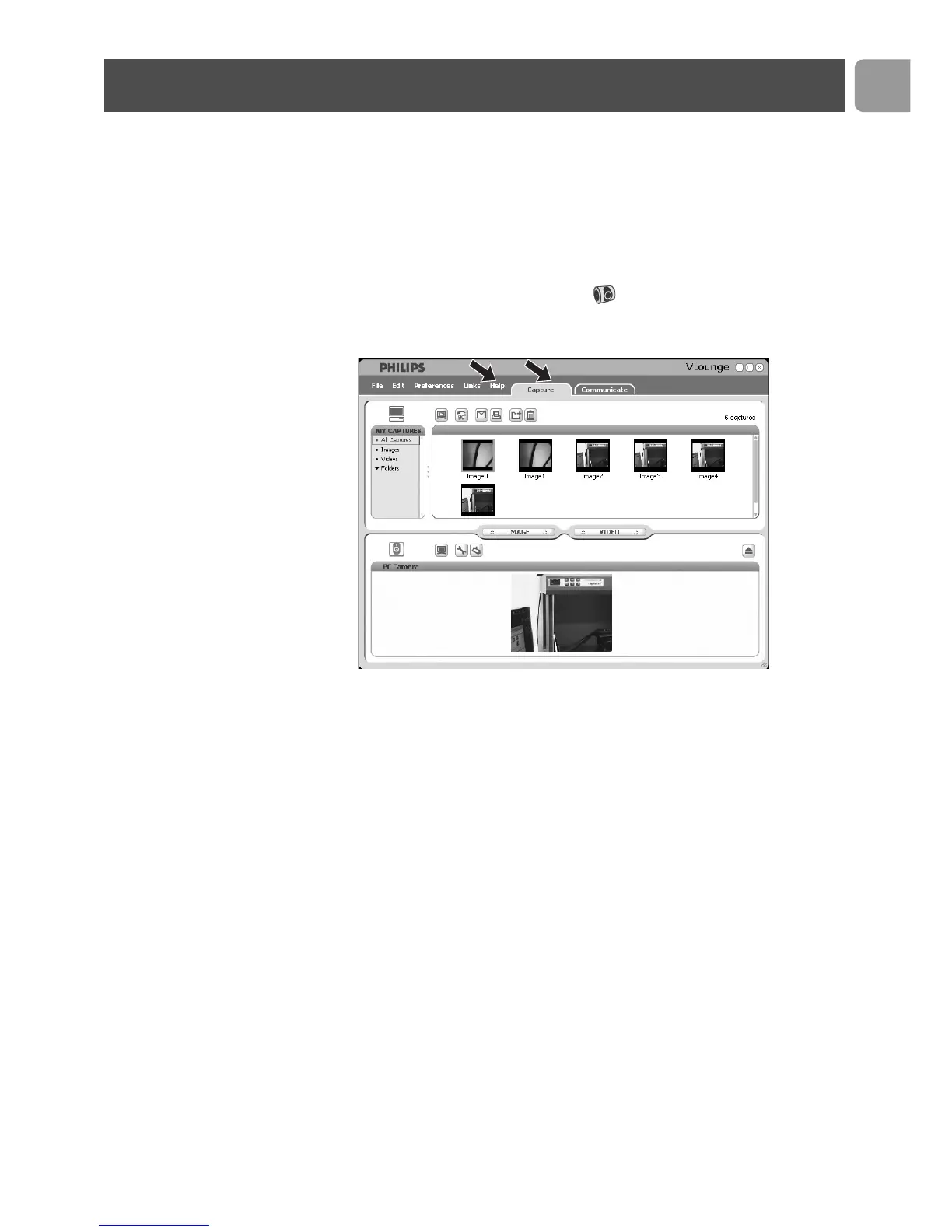
> The VLounge application will now be initiated and the VLounge
selection screen appears.
• In the ‘Capture’ menu you can transfer, preview, edit, e-mail,
print and organise your photos and video recordings.
• For additional support read the 'Help' documentation within
the 'Help' option of the menubar of VLounge.
Using the applications
EN
15



 To Next Page