EN
9
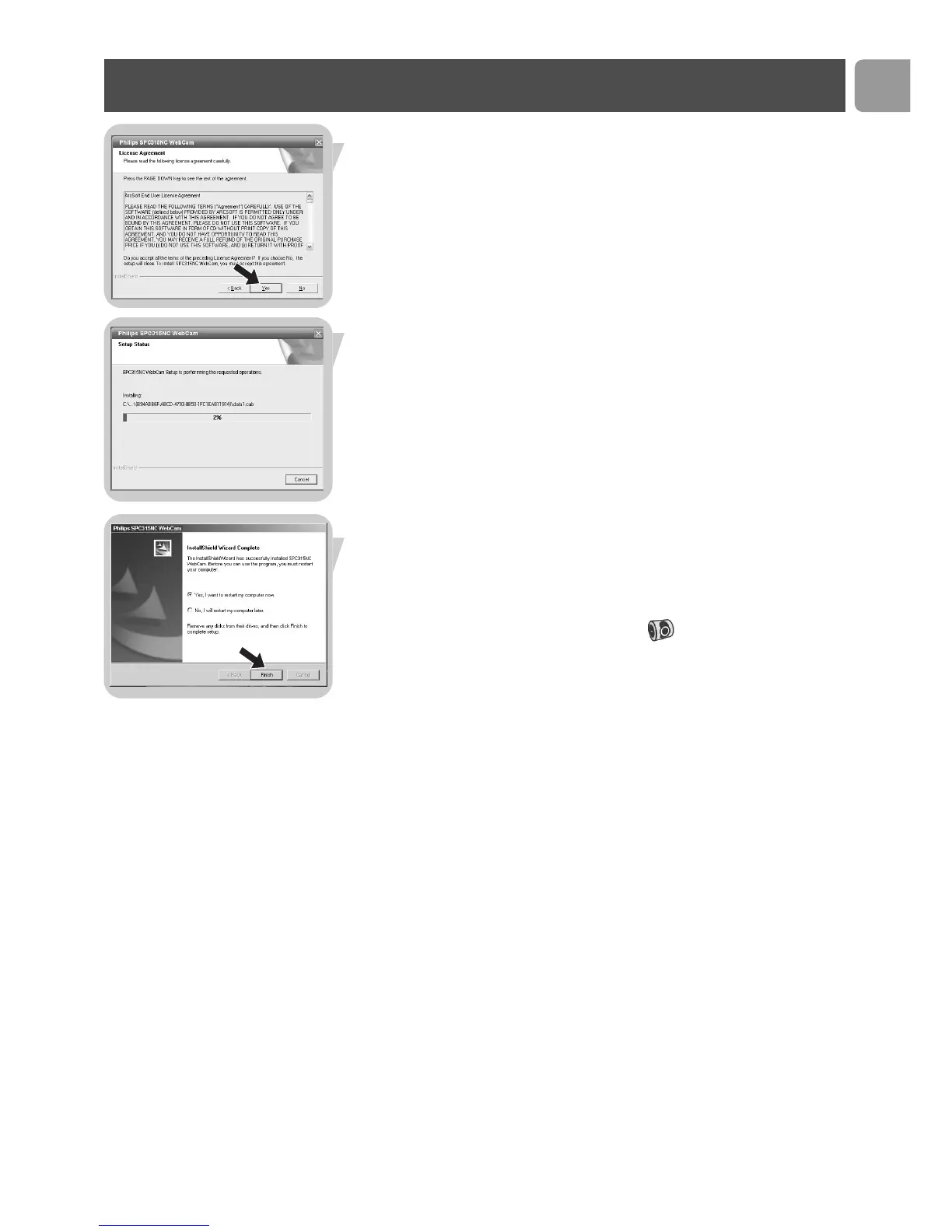
> The following software license agreement appears.
4 Click on 'Ye s' to continue the installation.
> The following screen, including a progress bar, appears.
> The following screen appears when the installation was
successful.
5 Click on 'Finish'.
6 Restart your PC / laptop when you have finished installing the
software.
> The V(ideo)-Lounge desktop shortcut will be installed after
installation.
> Via VLounge you have access to all camera-related software. See
‘Using the applications’.
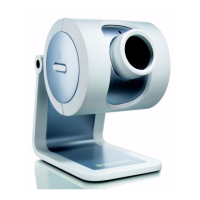
7 You can now connect your WebCam.
Installation



 To Next Page