EN
4
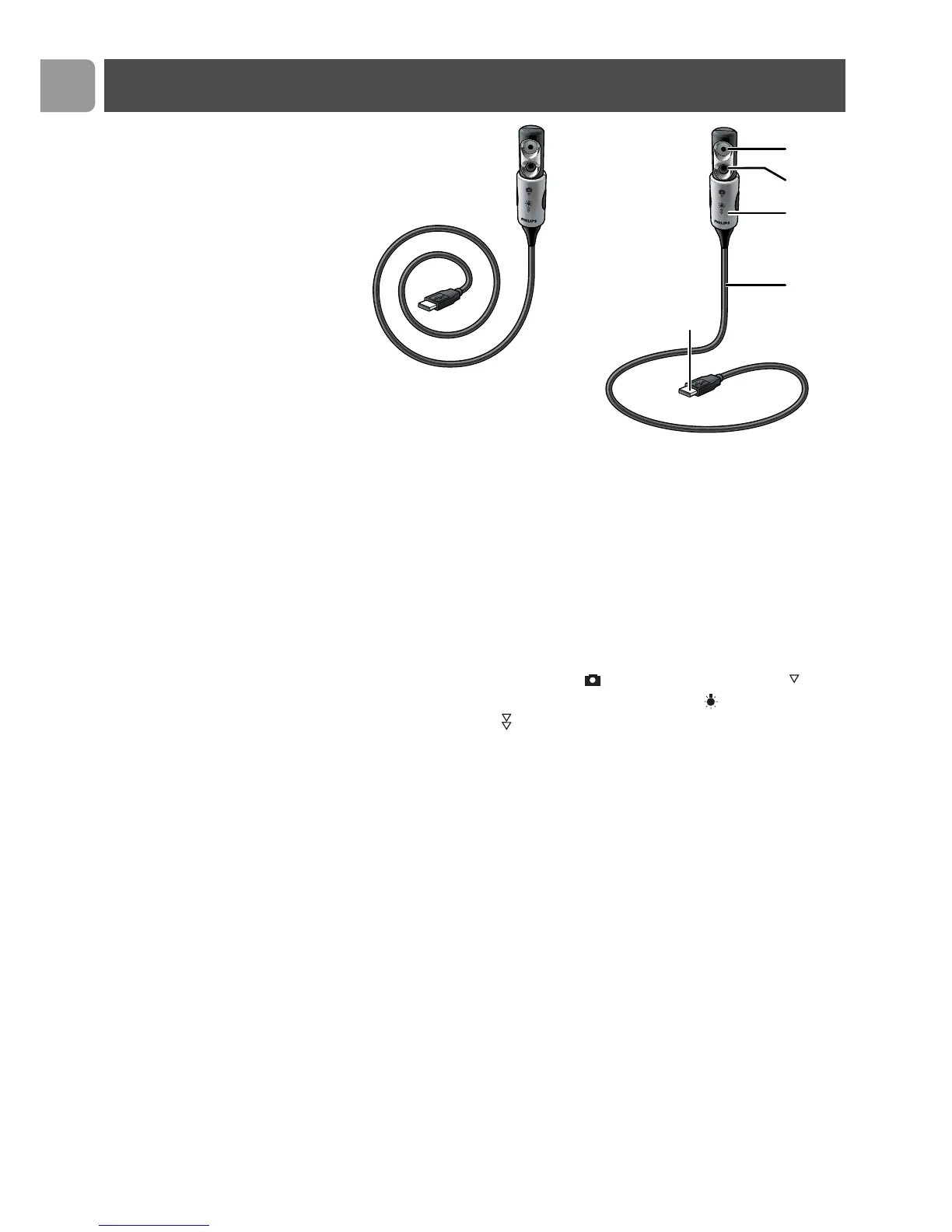
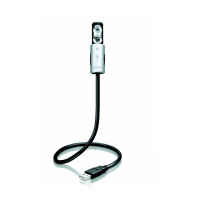
1 WebCam lens
2 Front light / keyboard light
– Illuminates the keyboard.
– Illuminates your face when video chatting under poor
lighting conditions.
3 Lens cover / light switch
– Protects the lens when the WebCam is not in use.
– Activates the WebCam ( ): one click downwards ( ).
– Switches the front light / keyboard light ( ) on: two clicks
downwards ( ).
Note:The WebCam only functions when the applications are
started up. See chapter ‘Using the applications’.
4 Flexible neck
Allows you to direct the WebCam in any desired position.
5 USB connector
Connects the WebCam to the USB port of your laptop or
notebook.
The
WebCam
will derive its power from the laptop or
notebook when it is connected.
Legend of functions


 To Next Page