10 EN
To exit the menu bar, press MENU again.
5 Browse and
manage photos
You can browse and manage photos.
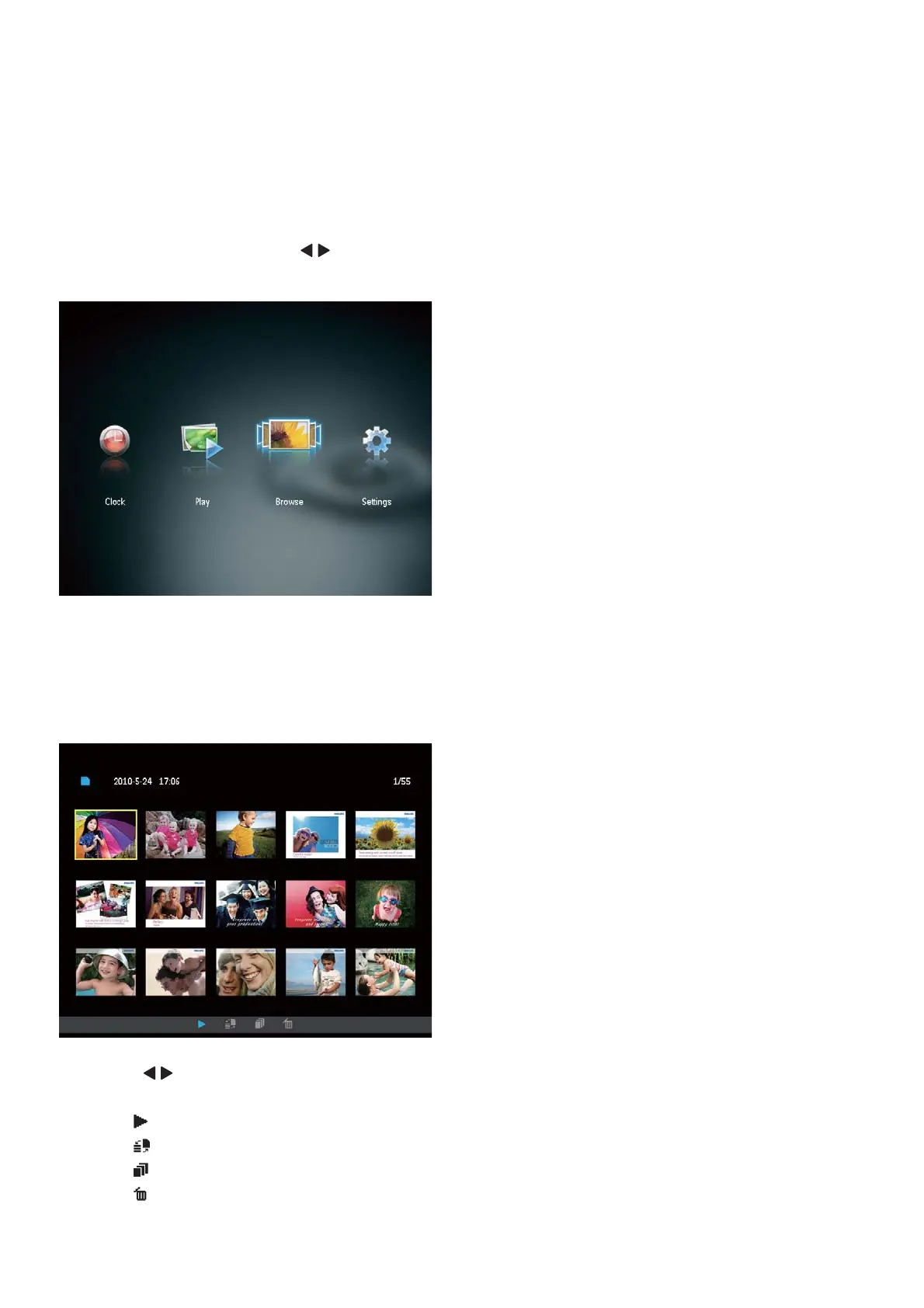
1 In the home menu, press / to select
[Browse], and then press OK.
» The album thumbnails are displayed.
To manage photos:
1 Select a photo, and then press MENU.
» A menu bar is displayed.
2 Press / to select an icon, and then
press OK.
: Play photos in slideshow
: Change source device
: Save a photo
: Delete a photo



 To Next Page