11EN
English
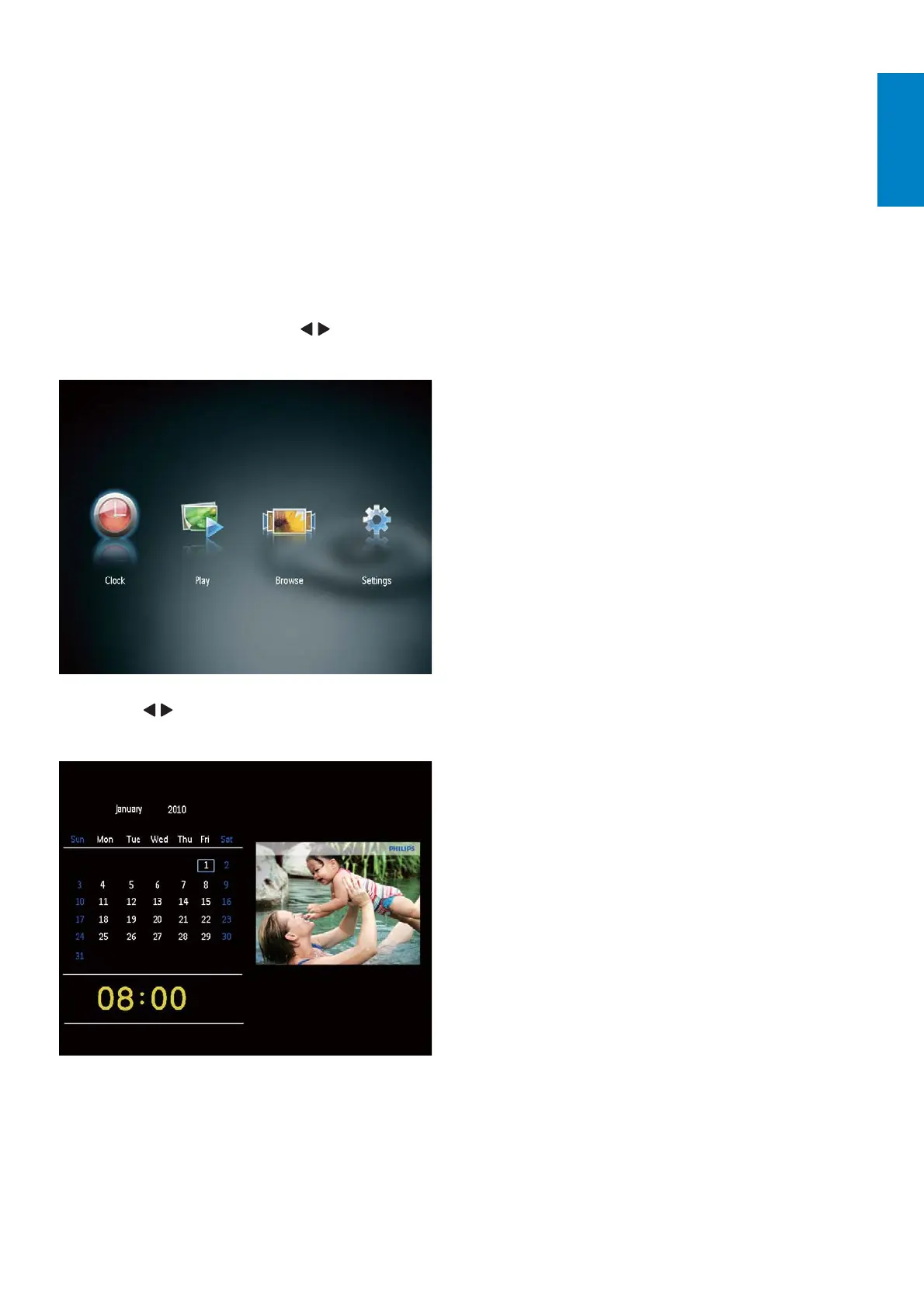
6 Clock and
calendar
You can display clock and calendar in slideshow
or display the clock separately.
1 Ensure that you have set the time and
date correctly.
2 In the home menu, press / to select
[Clock], and then press OK.
3 Press / to select different clock/
calendar display mode.



 To Next Page