4 - English
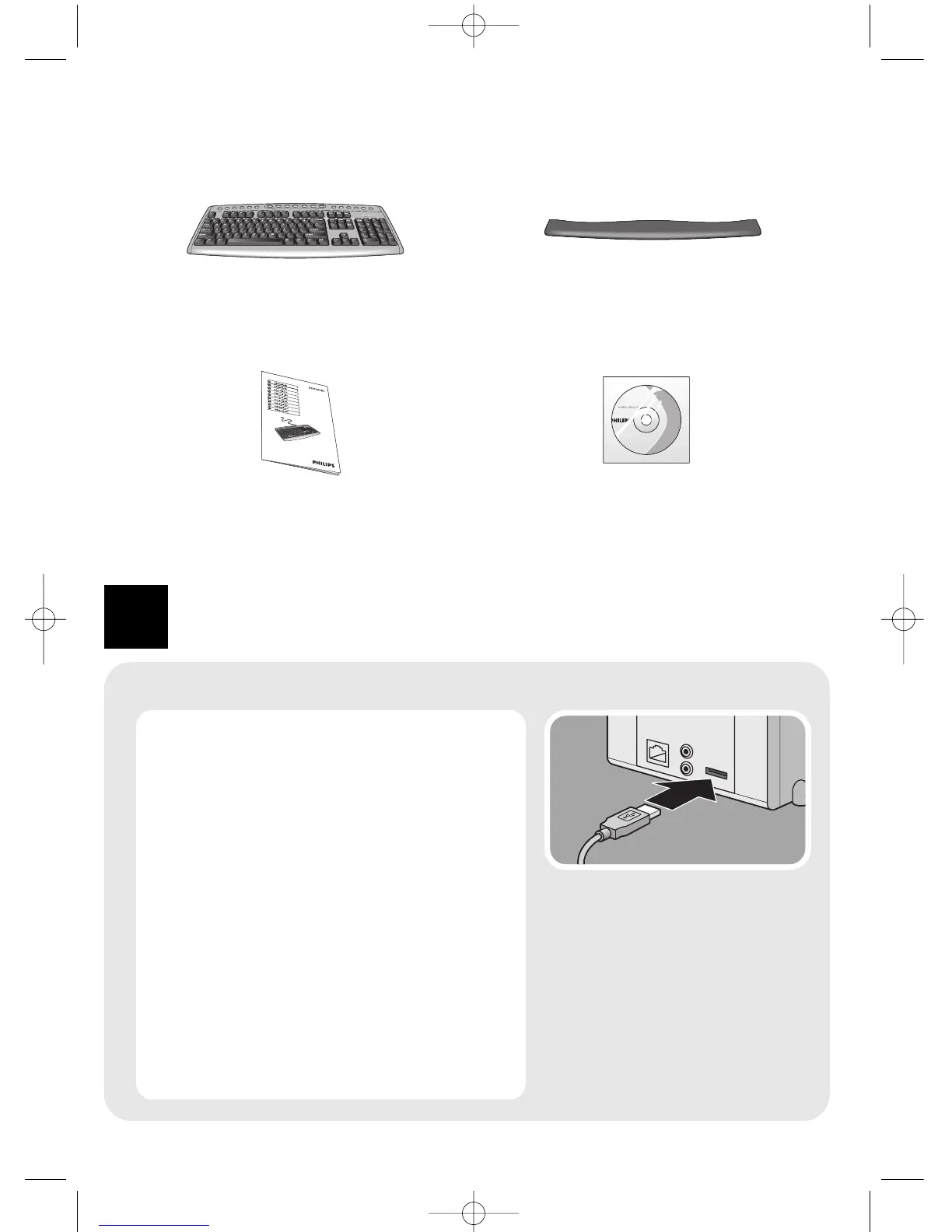
What’s in the box
1
Connect
Connecting to the computer
1 Switch off your computer.
2 Disconnect your old keyboard.
3 Plug the keyboard USB connector into the
computer USB port.
4 Switch on your computer.
> The SPK4000SC is now ready for use.
Note: If your computer runs on Windows
®
98, a
pop-up window may appear when you plug
the keyboard USB connector into the
computer USB port.You will be asked to
insert the Windows
®
98 CD-ROM. Please do
so and follow the on-screen instructions for
installing the required driver or set the driver
path as ‘Windows\system’ or the other path
that the driver located.
SPK4000SC/93
iioiioiioi oiiioi oi ioioiiio ioio
iioiiiiioi oiiioiioi ioi
iioiiiiioioo
1 iioiiiiioioo oioioi io
2 ioioiio oioioiii
3 oioiioioi ioioioioi oioiioioiioioiooi
oiiooiiii oiio iioiiioi ioioiioiioo
iioiioiioi



 To Next Page