2
English - 5
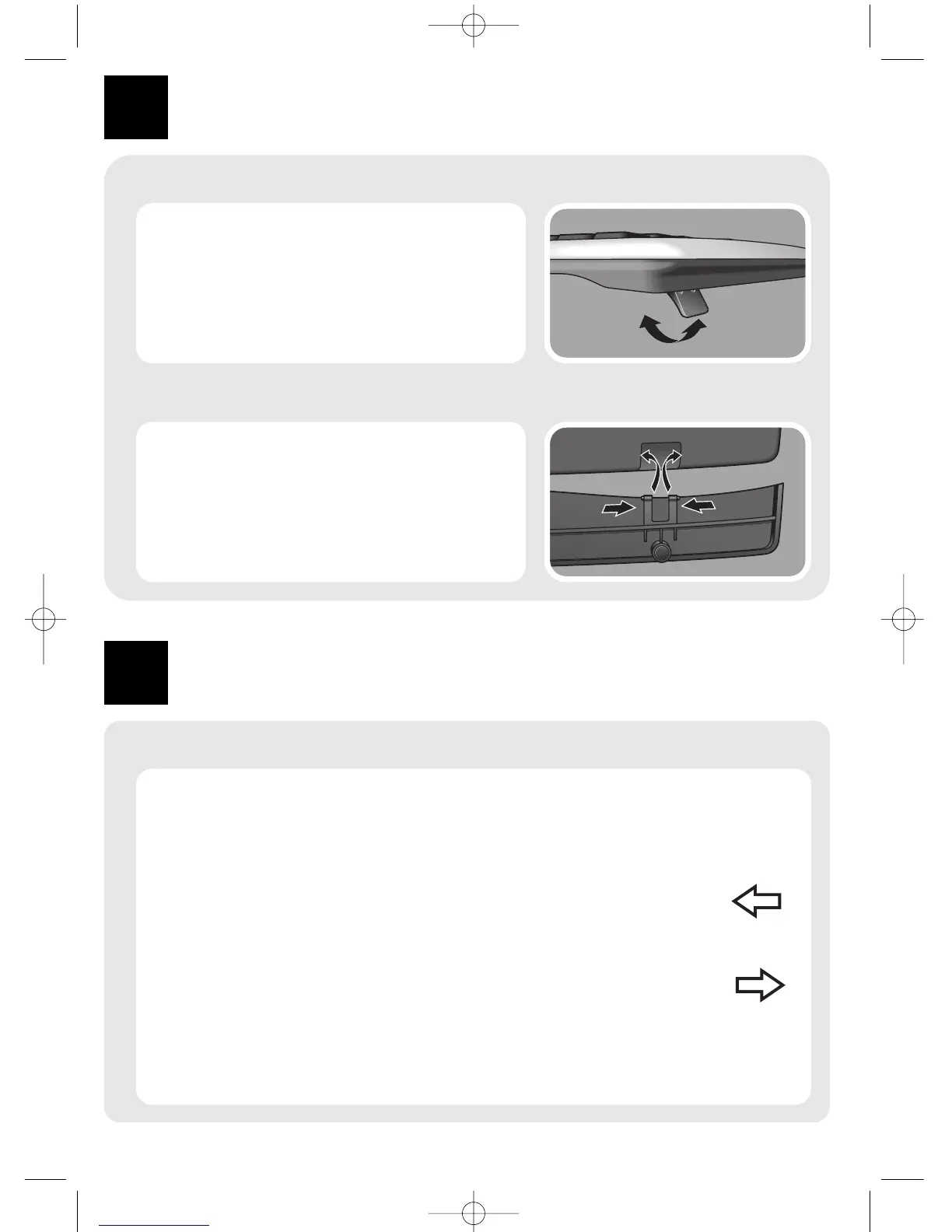
Adjusting the keyboard legs
3
The keyboard legs are designed to accomodate
various body sizes, chairs and desks.
• Pull out or push in the keyboard legs to a
position that minimizes bending of your
wrists while typing.
Install
Enjoy
Installing the palm rest
• Insert the palm rest tabs into the slots at the
bottom of the keyboard.
• Snap the tabs together and loosen them so
they click into the recesses in the slots.
Using the hot keys
Hot keys are special shortcut keys, situated along the top of the keyboard.
They provide quick, one-press access to programs, files or commands.
Web and Internet hot keys
Web backward
Goes back to the previously viewed item in programs that support the
‘Back’ command, such as a Web browser.
Web forward
Goes to the next item (if it was previously viewed in the same session) in
programs that support the ‘Forward’ command, such as a Web browser.



 To Next Page