8 EN
English
9EN
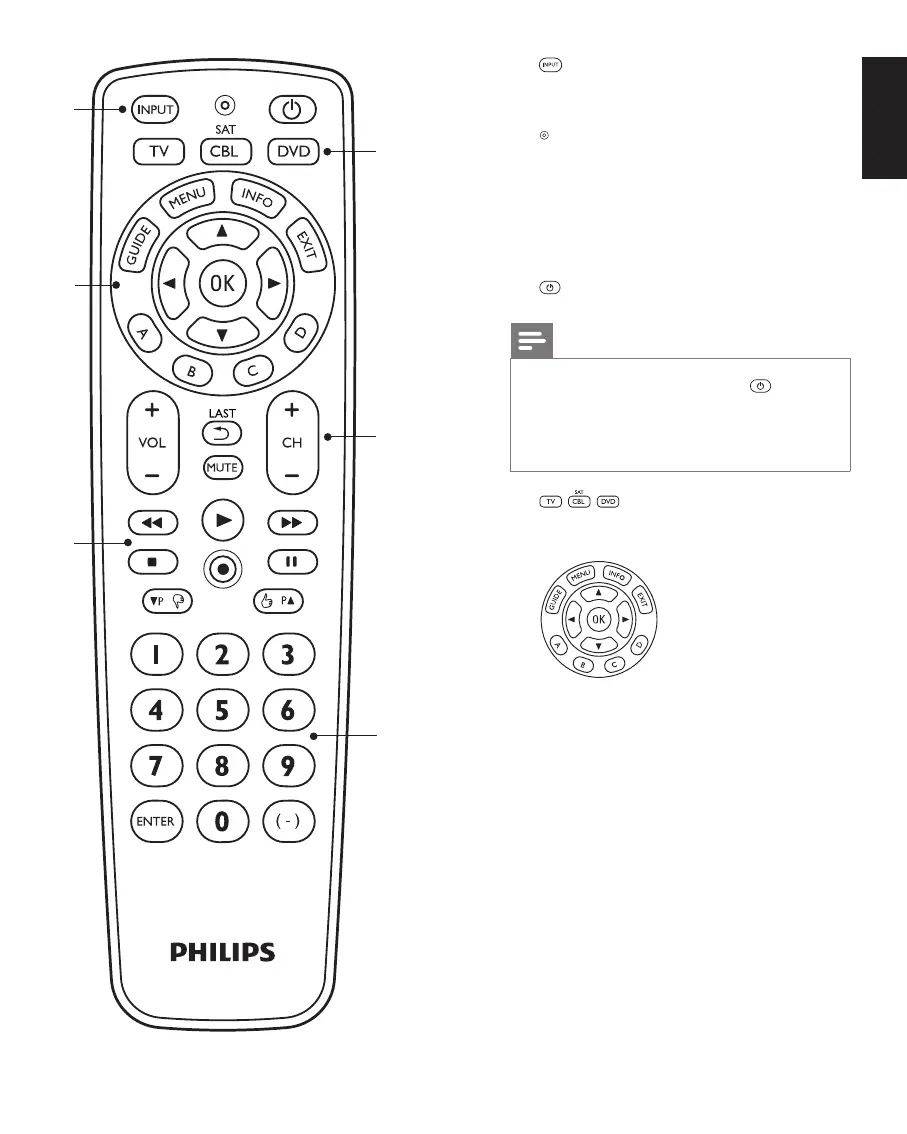
Using the universal remote control
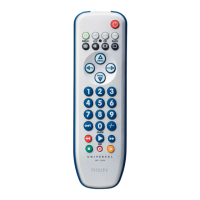
1 ................................ selects available source
inputs (antenna, cable,
etc.).
.................................... setup light.
Lights up
when a remote control
command is being sent,
when you just selected
a device and when the
remote control is in setup
mode
.
................................ switches the selected
device on / off.
Note
For some TV brands / types, the
button
will only turn off the TV. You will have to
press a digit button (direct channel selection)
to turn on the TV again.
2
.............. device selection buttons.
Select the device to be
operated.
3
GUIDE ....................... electronic program guide.
MENU ........................ menu on / off.
INFO........................... on-screen channel
information.
EXIT ............................ exits / clears on-screen
menu displays.
3 4 1 2 ............... cursor up, down, left,
right in a menu.
OK ............................... confirms your selection.
A, B, C, D ..................
context sensitivity buttons,
ordered following the
requirements for cable
boxes. A - Yellow, B - Blue,
C - Red, D - Green.
2
3
4
5
1
6








 To Next Page