2 3EN
Tableofcontents
1 YourSRP2003.................................................3
2 Gettingstarted........................................... 4-8
2.1 Inserting the batteries ....................................4
2.2 Setting up the universal remote
control ................................................................4-8
3 Usingtheuniversalremote
control........................................................8-10
3.1 Buttons and functions ..............................8-10
3.2 Resetting a button to its original
function ................................................................10
4 Serviceandsupport..............................11-13
4.1 Frequently asked questions ...............11-13
4.2 Need help? ........................................................13
FCC Compliancy .....................................13-14
Notice for Canada ........................................14
Helpline ...............................................................15
Brand list ......................................................16-28
Informationtotheconsumer....................29
Compliance with EMF .................................29
Recycling and disposal .................................29
1
YourSRP2003
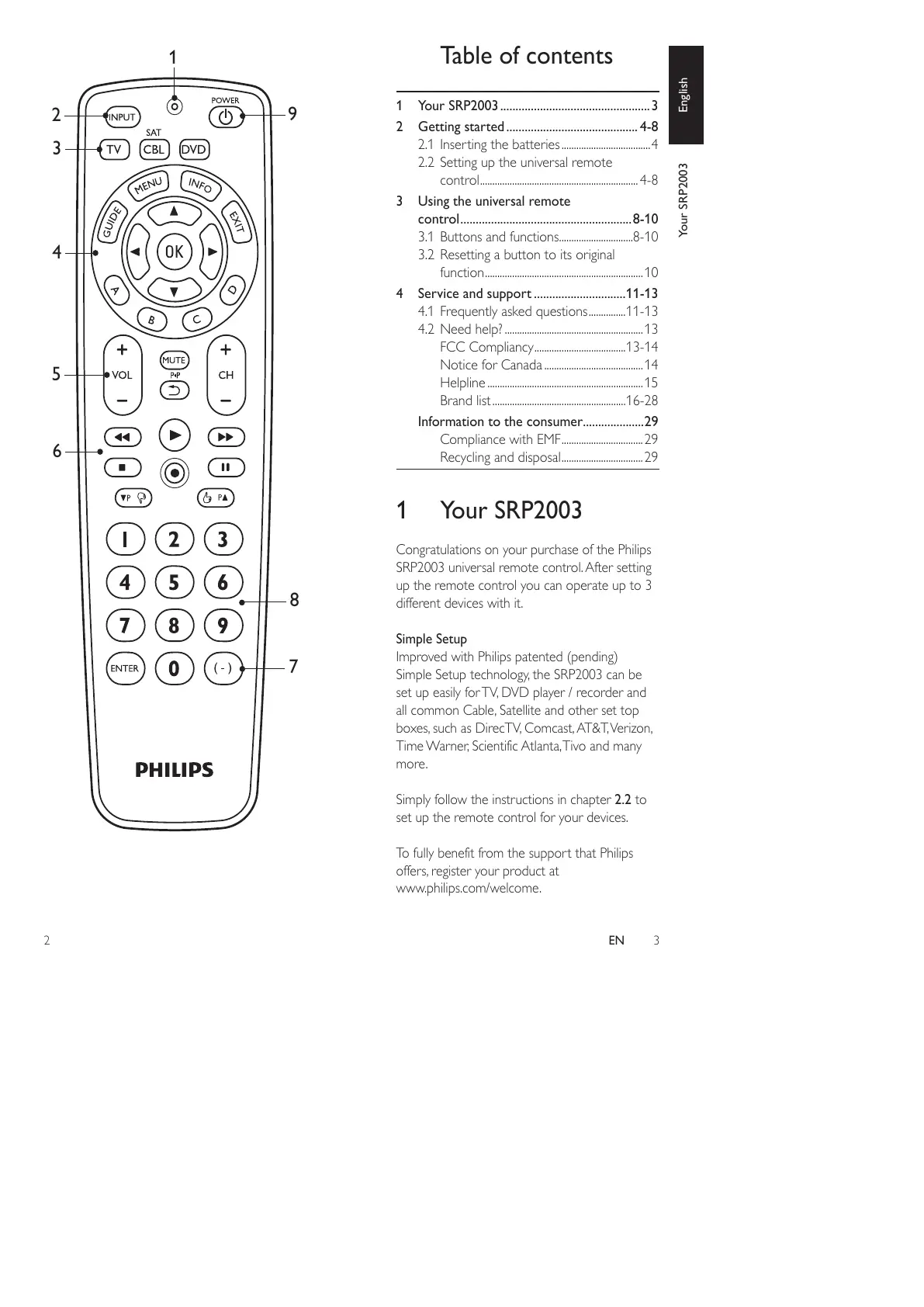
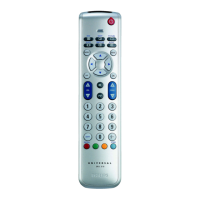
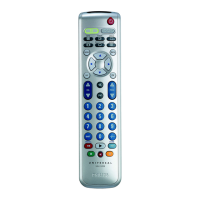
Congratulations on your purchase of the Philips
SRP2003 universal remote control. After setting
up the remote control you can operate up to 3
different devices with it.
SimpleSetup
Improved with Philips patented (pending)
Simple Setup technology, the SRP2003 can be
set up easily for TV, DVD player / recorder and
all common Cable, Satellite and other set top
boxes, such as DirecTV, Comcast, AT&T, Verizon,
Time Warner, Scientific Atlanta, Tivo and many
more.
Simply follow the instructions in chapter 2.2 to
set up the remote control for your devices.
To fully benefit from the support that Philips
offers, register your product at
www.philips.com/welcome.
YourSRP2003 English
2
3
4
5






 To Next Page