EasyManua.ls Logo

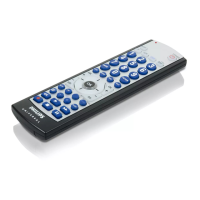
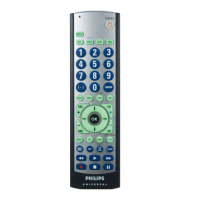
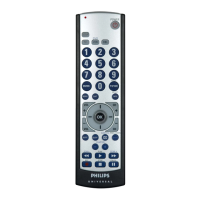
Philips SRU3003/27 - User Manual

Philips SRU3003/27
23 pages
Print Icon
To Next Page IconTo Next Page
Loading...
SRU3003/27
Owners Manual

Questions and Answers

  • R
    robert59Jul 29, 2025
    What to do if red indicator blinks after I program a product code on my Philips SRU3003/27?
    • T
      Timothy RiosJul 29, 2025
      If the red indicator on your Philips Remote Control blinks after programming a product code, this means the remote didn't accept the code. Try programming the code again or use a different code.
  • J
    Jessica PorterAug 14, 2025
    How to fix Philips SRU3003/27 that does not operate some features?
    • C
      Charles WilliamsAug 14, 2025
      If your Philips Remote Control doesn't operate some features of your product, you can try programming the remote with a new code. Keep in mind that the remote might not be able to operate all features, or the button names could be different from your product's.

Summary

Button Functions

Setup

Code Setup

Guides on setting up the remote using product codes.

Direct Code Entry

Code Search

Code Search by Brand

Code Identification Feature

Sleep Timer

Setup, cont.

Troubleshooting

Remote does not operate your product.

Steps to take when the remote fails to control the device.

Remote does not operate some features of your product.

Reasons why certain product features may not be controllable.

Red Indicator blinks after you program a product code.

Troubleshooting steps when the red indicator blinks after code entry.

Philips SRU3003/27 Specifications

General IconGeneral
BrandPhilips
ModelSRU3003/27
CategoryRemote Control
LanguageEnglish

Related product manuals