4 EN
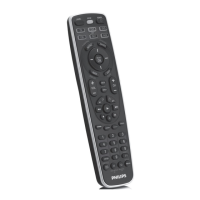
2 Button functions
2.1 General functions
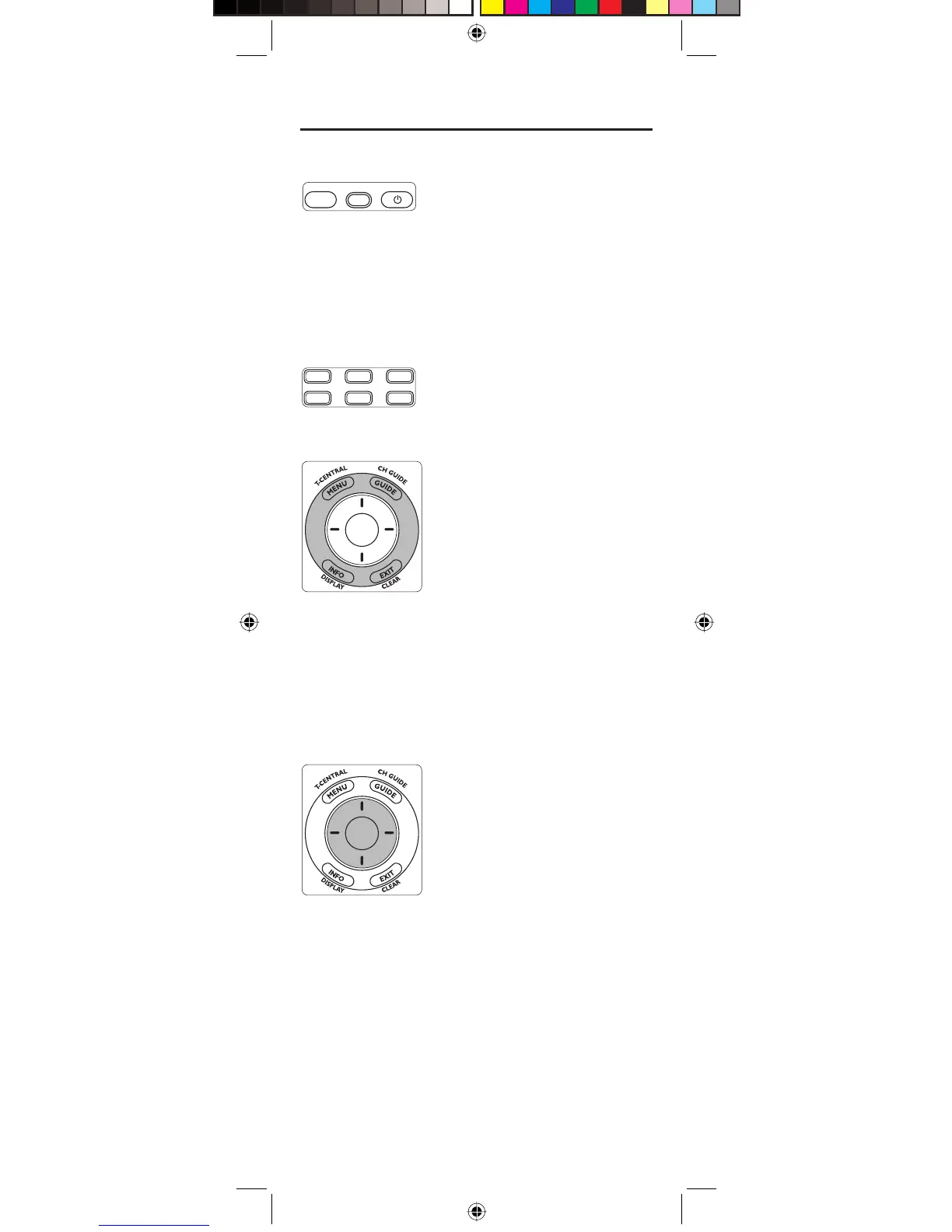
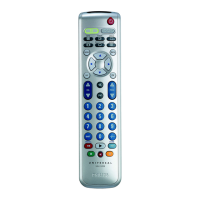
Zone 1
LEARN SETUP POWER
LEARN Used to setup learning functions.
SETUP
(Red light Indicator) ....... – Used for setting up the remote
control.
– Lights up when any button is
pressed.
POWER (
y
) ........................ Turns devices On / Off.
Zone 2
VCR
TV DVR DVD
SATCBL AUX
Device mode buttons ..... Selects device to be operated.
Zone 3 (Outer ring)
SELECT
OK
MENU .................................... Brings up the menu screen. Use with
the UP, DOWN, LEFT and RIGHT
navigation buttons.
GUIDE ................................... Displays on-screen program or
channel guides.
INFO ...................................... Displays / selects on-screen channel
information.
EXIT ....................................... Exits menu functions.
Zone 4 (Inner ring)
SELECT
OK
SELECT OK ........................ Selects menu items for the device
you are controlling.
(I) UP / DOWN,
(–) LEFT / RIGHT............. Navigation buttons.
129238_SRU5106_Short.indd 4129238_SRU5106_Short.indd 4 05-12-2008 15:43:2605-12-2008 15:43:26







 To Next Page