7
EN
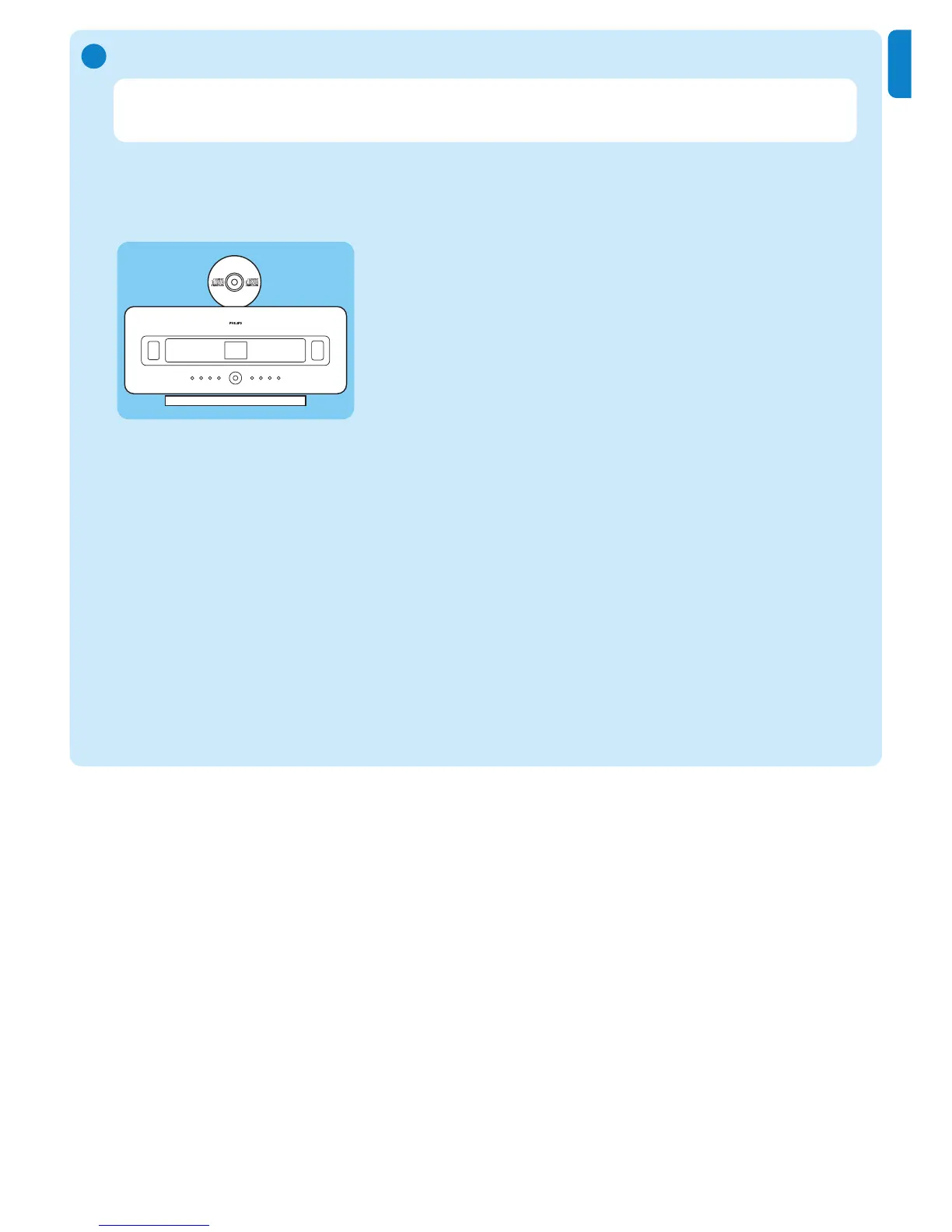
Play CDs on the Center
D
Important! For reasons of CD copyright protection, during CD play the features Music
Broadcast and Music Follows Me are not supported.
You can play
• all prerecorded audio CDs
• all finalized audio CDR and CDRW discs
• MP3/WMA/m4a-CDs (CD-R/CD-RW with MP3/WMA/m4a files)
1 Ensure that the device is turned on.
2 Insert a CD into the Center (see Controls on the Center) with the printed side facing
towards the front panel.
> The display shows the list of CD tracks.
For CD recorded with MP3/WMA/m4a audio files:
1 To enter a track list, press
2 on a highlighted folder.
2 Press
OK /
2; to start play.
3 Press STOP 9 to stop play.
4 To remove the CD, press EJECT /.
For CDs recorded with all other audio files:
1 Press
3 4 1 2 to select a track or album.
2 Press OK / 2; to start play.
3 Press STOP 9 to stop play.
4 To remove the CD, press
EJECT /.















 To Next Page