6
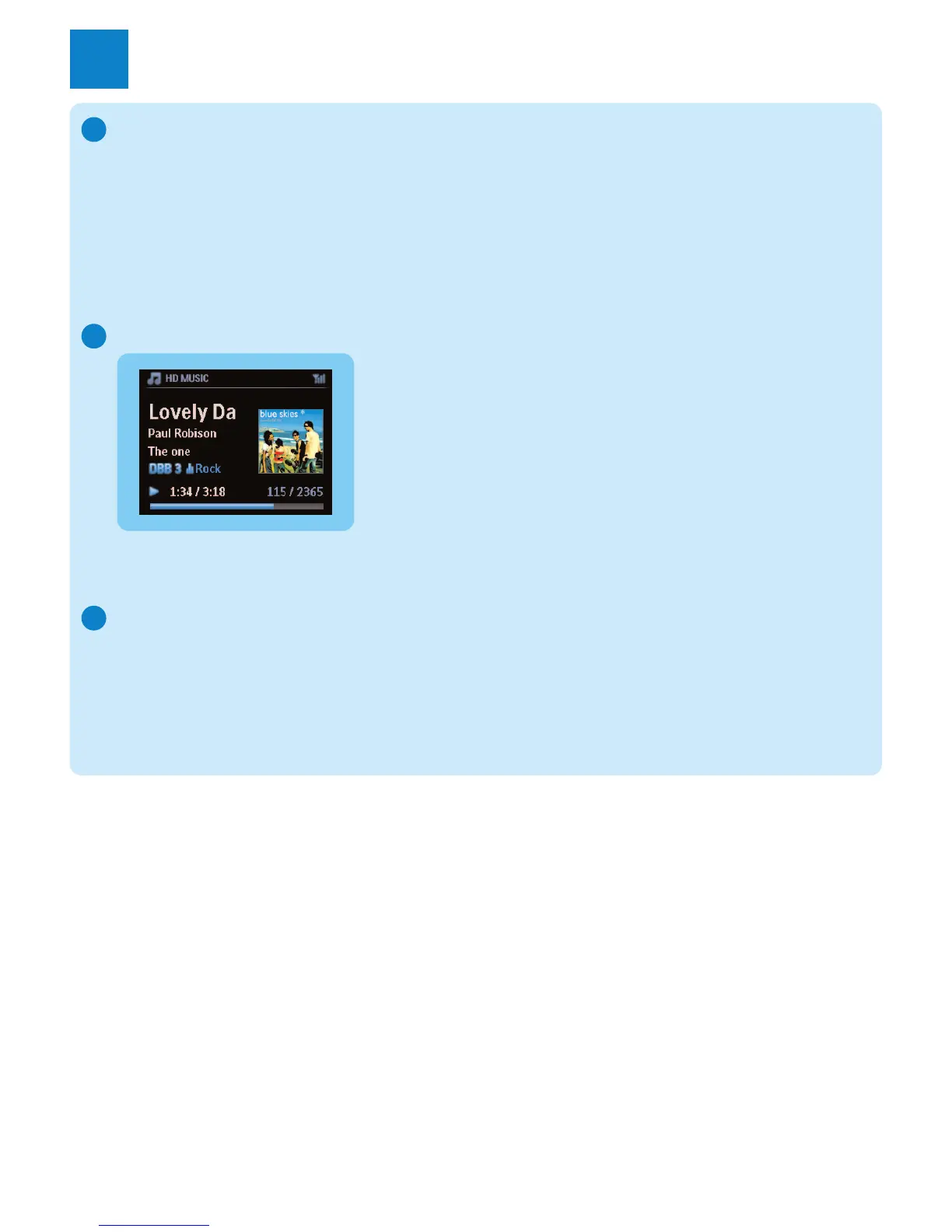
Play HD (Harddisk) music from the Center
1 Ensure that the device is turned on.
2 Press HOME.
3 Press HD on the remote control.
4 Press
3 4 1 2 to select your playback options.
Demo tracks are stored under All tracks.
5 Press
OK / 2; to start play.
6 Press STOP 9 to stop play.
Change your playback option:
1 During play, press 1 once or more to enter previous option lists.
2 Press 3 4 1 2 to select, then OK / 2; .
Change your remote control:
By default, the 2-way remote control works with the Center only. If you want to use the 2-way
remote control for the Station:
1 Press and hold
REFRESH until the display of the remote control shows: Select Device.
2 Press
3 or 4 then 2 to select the Station check box.
3 Press
OK.
For more information, see User manual, Prepare: Using the remote control.
A
B
C
Enjoy
3















 To Next Page