5
EN
C
D
Add a Station to the network of the Center:
On the Center:
1 Press
HOME.
2 Press
3 or 4, then 2 to select HD (Harddisk) mode.
3 Press
MENU to enter the menu display.
4 Press
3 or 4, then 2 to select Station Management (Mgnt).
5 Press 3 or 4, then 2 to select Add New Station.
> The Center searches for the new Station.
On the Station:
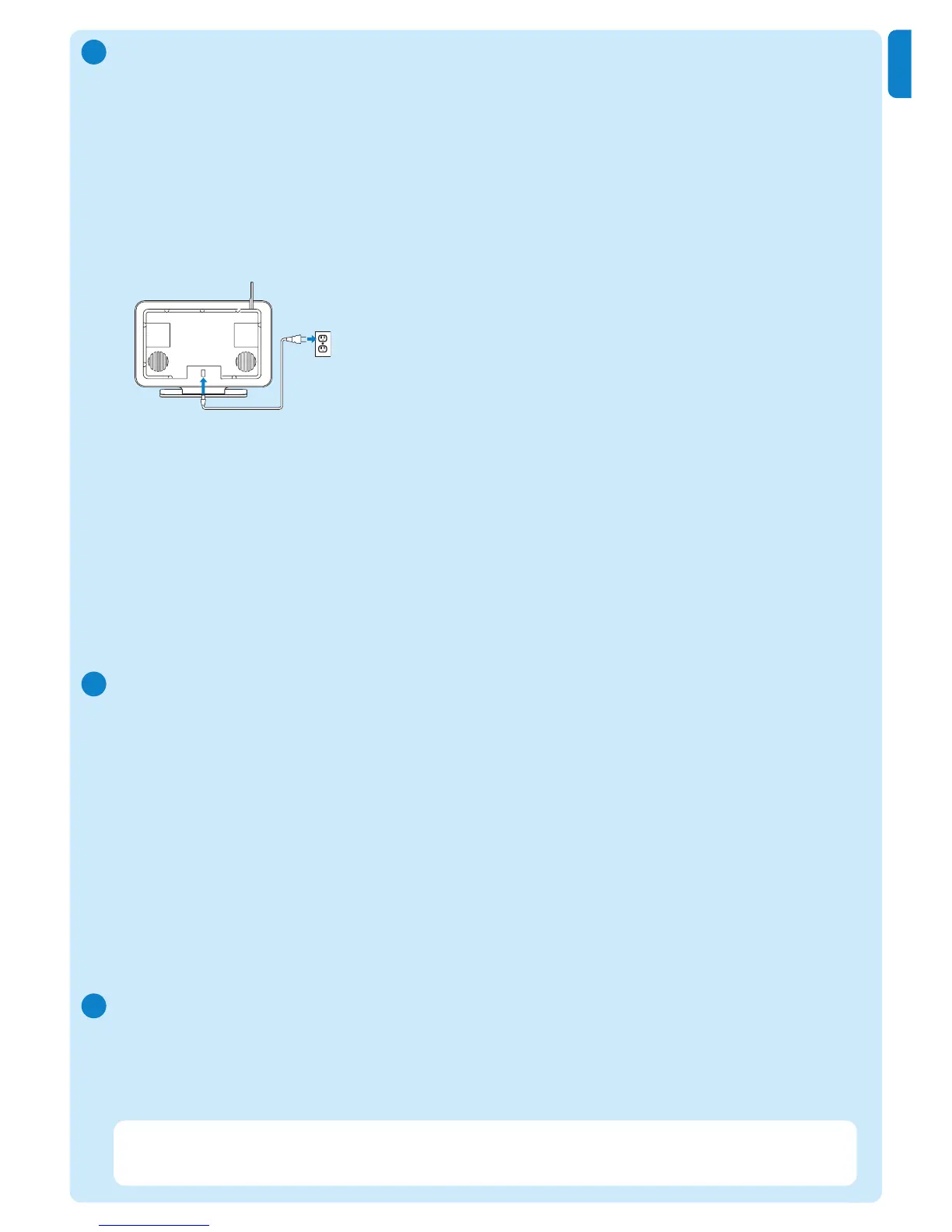
1 Connect the Station to the power supply.
2 Turn on the Station.
• If you turn on the Station for the first time, press
3 or 4, then 2 to select the language.
• If you already used the Station with a Center, press
MENU, followed by
3 or 4, then 2 to
select Installation Mode.
> The display shows: Center found
The display shows: Connecting to Center...
On the Center:
1 When all Stations are found, press
STOP 9, to stop the search for Stations.
> The Center returns to HD mode.
To relocate a device, refer to the section Relocate a device in this guide.
If you do not have an Internet connection / PC...
Set up Center and Station without a network
You can operate the Center and Station without a network connection.The following steps show
you how to set up the Center and Station on their own for the first time.
1 Place Center and Station side by side on a level surface strong enough to support the devices.
2 Use the supplied power cables to connect first the Center, then the Station to the power supply.
3 Select the language on the Center and on the Station.
> The installation process starts.
The Center searches for Stations within range.
4 When the Center has detected all the Stations within range, press STOP 9 on the Center to
stop the search.
> The Station registration process starts.
After the successful registration, the displays of the Center and all connected Stations show HD Music.
Relocate a connected device
1 Press and hold y to switch the device to Eco Standby.
2 Disconnect the device from the power supply.
3 Reconnect the device to the power supply in the new location.
> The Wi-Fi connection between the devices recovers automatically.
Tip For better Wi-Fi reception, rotate the Wi-Fi antenna or adjust the location of the Center
and the Station.
E















 To Next Page