8 Frequently
asked
questions
12 EN
For further support,
visit www.philips.com/support
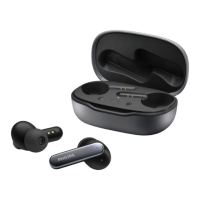
My Bluetooth headphones do not turn on.
The battery level is low. Charge the
headphones.
I cannot pair my Bluetooth headphones
with my Bluetooth device.
The Bluetooth is disabled. Enable the
Bluetooth feature on your Bluetooth
device and turn on the Bluetooth device
before you turn on the headphones.
The audio quality is poor and crackling
noise can be heard.
• The Bluetooth device is out of range.
Reduce the distance between your
headset and Bluetooth device, or
remove obstacles between them.
• Charge your headphones.
How to reset the headphones?
• Power on the headphones.
• Press and hold vol+ and vol- button
together for more than 4 seconds.


 To Next Page