7
EN
7 Micro-SD card
mode
You can enjoy audio from a micro-SD card that
stores audio les.
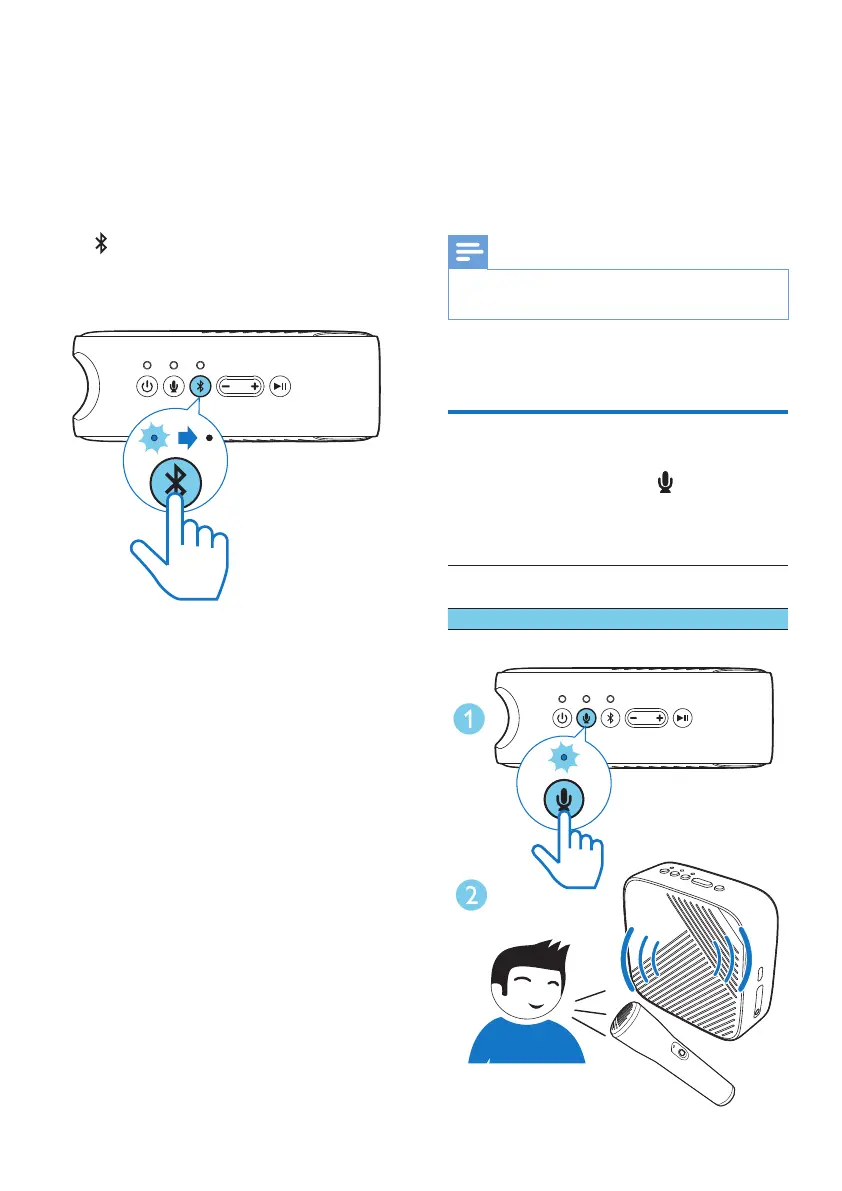
Press repeatedly to select the micro-SD
source. The Bluetooth LED indicator will be
turned off for micro-SD auto playback.
8 Mix your sound
with an audio
source
Note
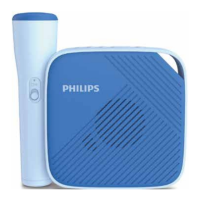
• For the best vocal quality, keep a distance of ?? cm
between the microphone and the speaker.
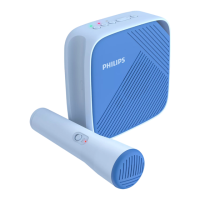
By using the wireless microphone, you can mix
your sound with an audio source
Record
In the Bluetooth mode, press to start or stop
the recording.
LED indicator (REC)
Blinking red Error (no micro-SD card
inserted or the card is full)
Solid red Recording


 To Next Page