App download
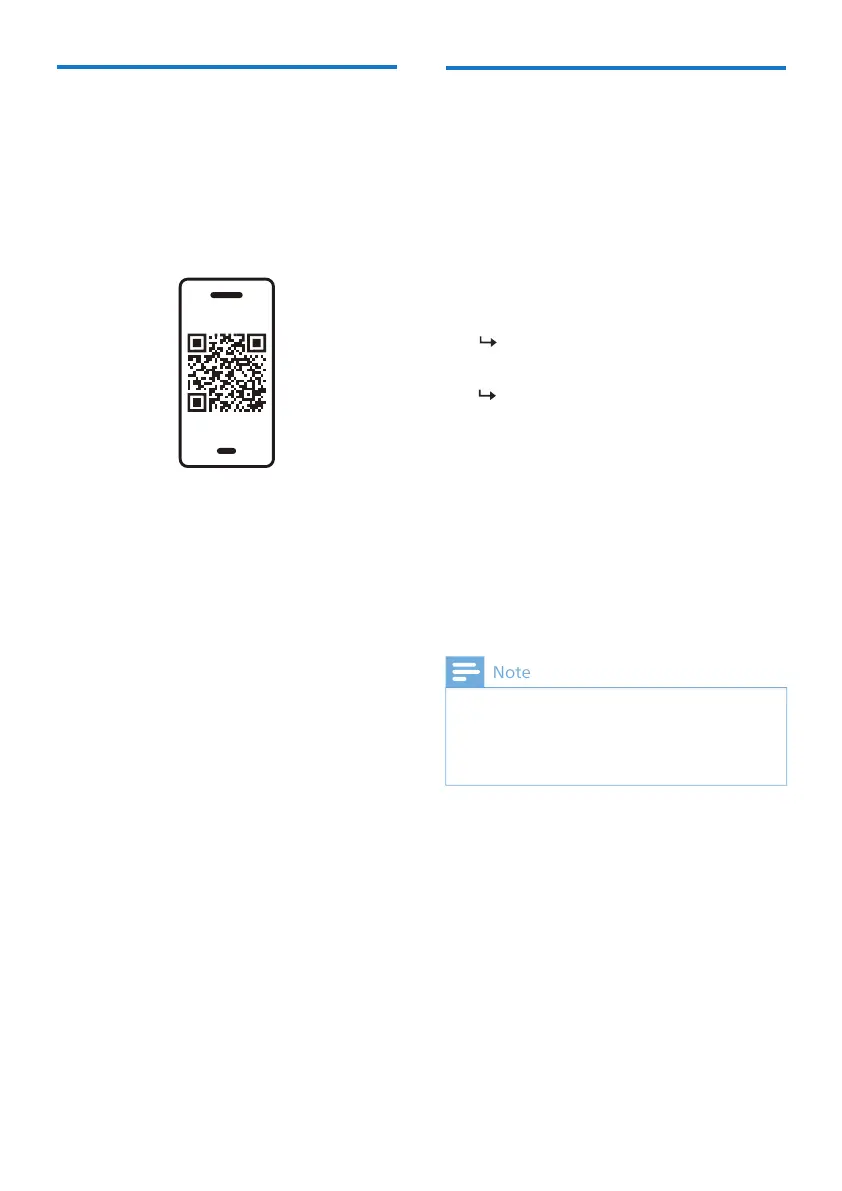
Scan the QR code/press 'Download'
button or search 'Philips Headphones' in
the Apple App Store or Google Play to
download the app.
The Philips Headphones App puts you in
charge of the music you are listening to.
You can customize the sound so that
your music and calling experience always
best suit your needs.
Get Started
Pair the earpieces with
your Bluetooth device for
white and blue alternately
The earpieces are now in pairing
mode and are ready to pair with a
Bluetooth device
(e.g. a mobile phone)
7 EN
1
2
Make sure that the earpieces are fully
Open the charging box, the earpieces
will be in pairing mode and ready to
connect.
The following example shows you
how to pair the earpieces with your
Bluetooth device.
Turn on the Bluetooth function of
your Bluetooth device, select
Philips TAT2139.
1
Turn on the Bluetooth function of
your Bluetooth device.
Pair the earpieces with your
Bluetooth device, refer to the user
manual of your Bluetooth device.
any previously connected Bluetooth device,
please put them into pairing mode (press button
on box for 3 seconds with both earpieces inside
and the box open).
3
4


 To Next Page