3
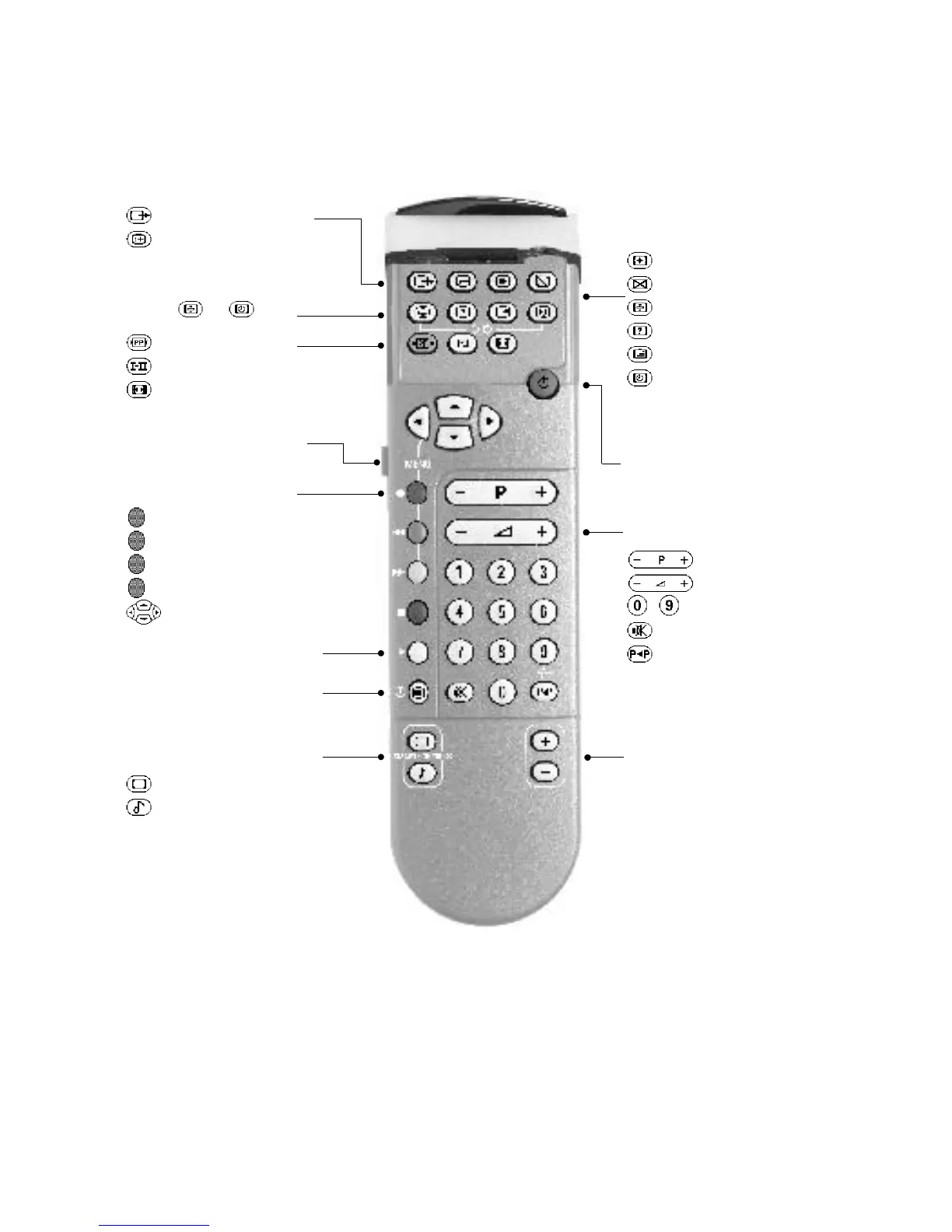
Remote control keys
The keys on the TV set
EXT sockets selection (p.9)
Screen information (p.9)
INSTALLATION Menu (p . 4)
Press the and keys
Personal Preferences (p. 9)
sound mode (p. 9)
16/9 formats (p.9)
Video recorder k ey (p . 9)
Menu (p . 10)
(red) picture menu
(green) sound menu
(yellow) features menu
(blue) exit from menu
use of menus
Switch teletext on/off (p . 13)
"Smart controls" k eys (p . 8)
picture pre-setting
sound pre-setting
Teletext functions (p . 12)
enlarging a page
temporary interruption
hold selected sub-page
reveal
overlay text on picture
time display or direct access
to a sub-page.
(p. 8)
programme selection
volume
/ numerical keys
mute key
previous programme
Standby (p . 8)
Programmable k eys (p . 8)
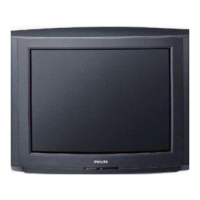
The television has 3 keys:MENU,- and +.These keys are located on the top,front or
side of the set,(if on the front or side of the set they may be concealed by a flap).
The
MENU key is used to select the function to be altered.The - and + keys are used
select programmes or modify the selected
MENU item.
Games/Digital Presets (p.8)






 To Next Page