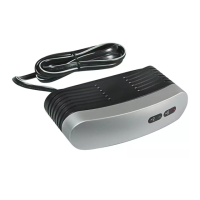
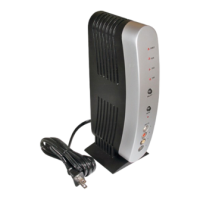
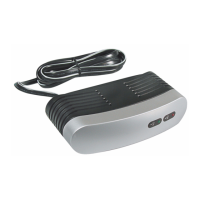
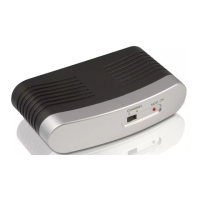
You need the following items, not supplied with your Video RF Modulator,
to connect it between a video input source (video game, video camera,
satellite receiver, DVD player, etc.) and your TV.
• Two 75-ohm coaxial cables with F-type connectors
• If your TV does not have a VHF 75-ohm F-connector, you will also
need a 75-ohm-to-300-ohm matching transformer
•One video shielded cable with RCA Plugs and one audio (stereo)
cable with RCA Plugs OR Dubbing Cable for VCR/DVD with RCA
Plugs OR 3 shielded cables with RCA Plugs
•One S-Video Cable
PARTS REQUIRED
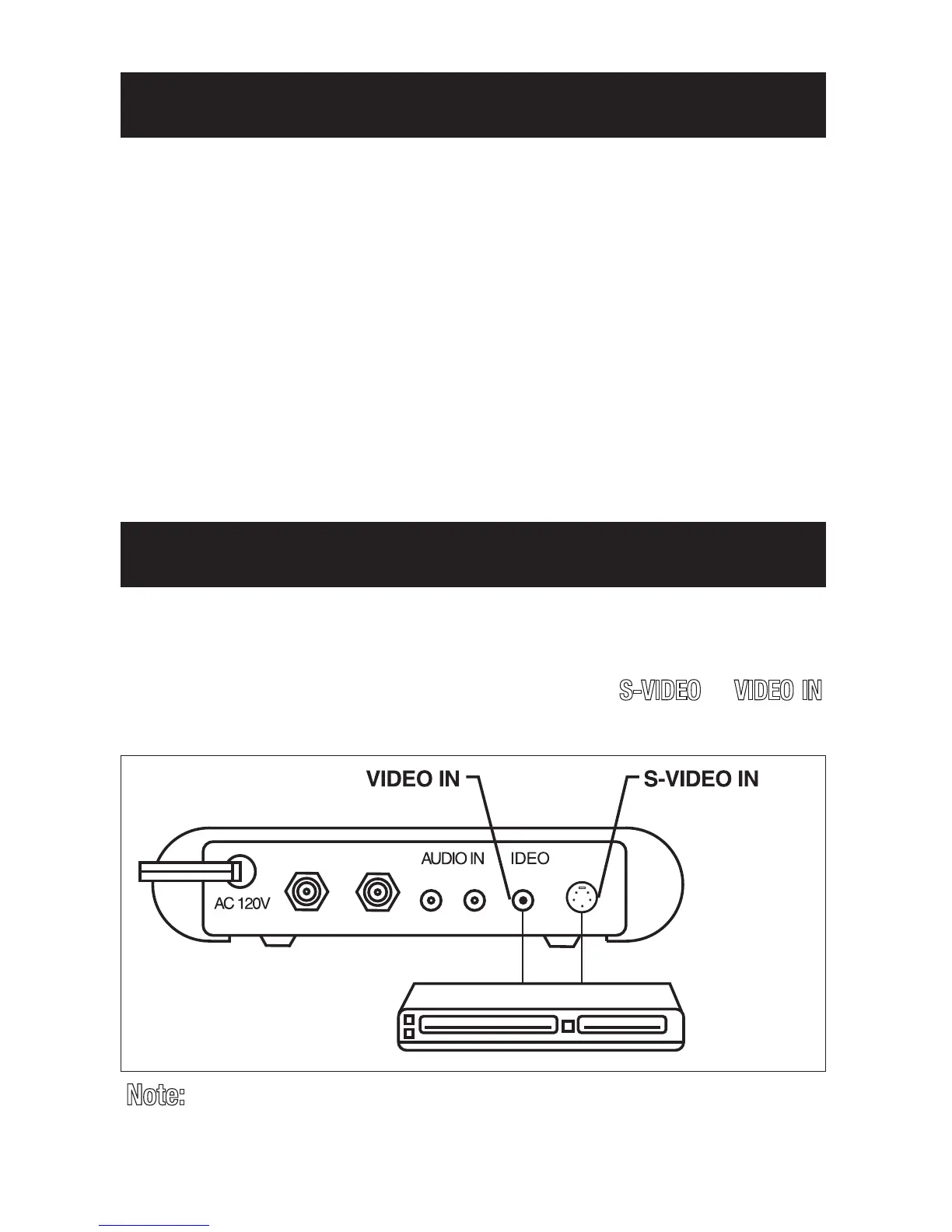
Follow these steps to connect your RF Modulator:
1. Connect an S-Video or video cable between the S-Video or video output
jack on your video source and the RF Modulator’s
S-VIDEO
or
VIDEO IN
jack.
CONNECTIONS
ANT IN
TO TV
LR
60Hz/4.5W
V
IN
S-VIDEO
Jack Jack
S-Video OutputVideo Output
OR
Video Source
Note:
If both the S-Video and standard video are hooked up,
the S-Video will be given priority


 To Next Page