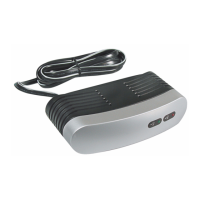
3. Turn on the connected video source, the modulator will deliver the
video/audio signal to the TV set and the red light of
MOD. ON
will be
ON
.
4.
Turn off the connected video source, the modulator will be switched
automatically to deliver the ANT/Cable signal to the TV set and the red
led of
MOD. ON
will be
off
.
1. Turn on the TV and set it to either Channel 3 or 4, whichever of the
two is not used for regular broadcasts in your area.
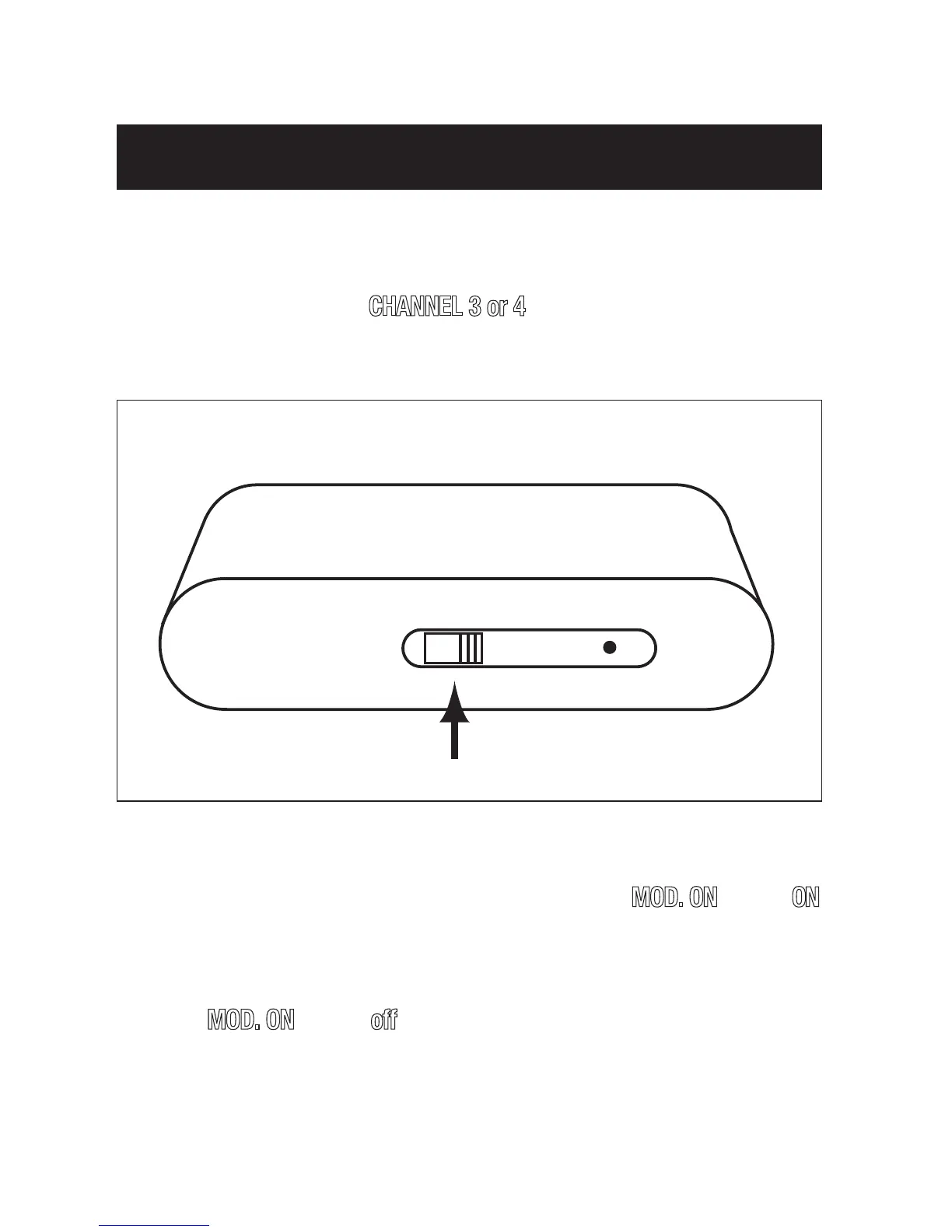
2. Set the RF Modulator’s
CHANNEL 3 or 4
switch to the same channel
you set on the TV (3 or 4)
OPERATION


 To Next Page