12
EN
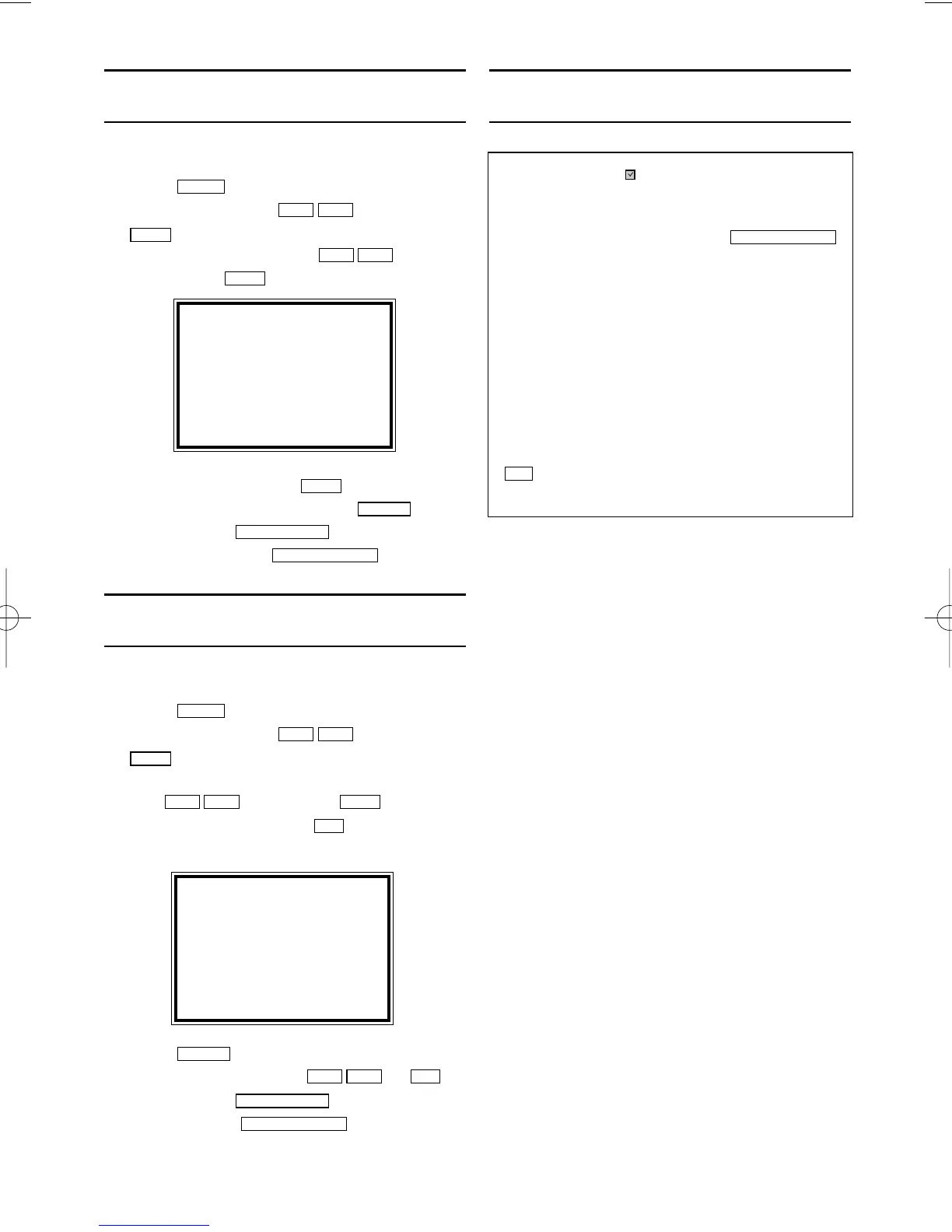
How to check, or delete a pro-
grammed recording (TIMER)
1.
1.
Switch on the TV. If required, select the pro-
gramme number for the video recorder.
2.
2.Press . The main menu will appear.
3.
3.Select 'TIMER' with . Then press
.
4.
4.Select 'TIMER LIST' with , and
confirm with
.
5.
5.Select timer block with .
6.
6.To cancel the recording, press .
7.
7.To end, press
.
8.
8.Switch off with
with
.
How to change a programmed
recording (TIMER)
1.
1.Switch on the TV. If required, select the pro-
gramme number for the video recorder.
2.
2.Press . The main menu will appear.
3.
3.Select 'TIMER' with . Then press
.
4.
4.Select ONCE, DAILY, or WEEKLY recording
with . Then press .
5.
5.Select TIMER block with . (The flashing
number is nothing recorded.)
6.
6.Press
to delete information and input
correct information with
or
.
7.
7.To end, press
.
8.
8.Switch off with
.
Problems and solutions for pro-
grammed recordings
STANDBY/ON
yy
STATUS/EXIT
0..9
LCKB
CLEAR
0..9
B1
LCKB
B1
LC
KB
MENU
STANDBY/ON
yy
STATUS/EXIT
CLEAR
B1
B1
LC
KB
B1
LC
KB
MENU
ONCE
TIMER - 1 2 3 4 5 6 7 8 -
SELECT TIMER NUMBER
END=EXIT
Error message: ' ' will flash in the video
recorder display
•
No cassette was inserted. Insert a cassette and
switch off the video recorder using
• A cassette was inserted with the security tab
removed.
Undo the erase protection (chapter 'Manual
Recording', section 'Preventing accidental erasing of
cassettes') or insert a different cassette.
Cassette is ejected during recording
• The end of the tape was reached during recording.
The video recorder does not react
• While a programmed recording is being made, you
cannot operate your video recorder manually. If you
want to cancel the programmed recording, press
.
• The end of the tape was reached during recording.
C/
AA
STANDBY/ON
yy
SELECT KL CHOOSE B
ONCE
DAILY
WEEKLY
→TIMER LIST
END=EXIT


 To Next Page