14
EN
Automatic switch-off
If you haven't used the video recorder for a few
minutes in certain modes (e.g.: STOP), it will
switch to standby automatically. You can cancel
this function to use the video recorder as a tele-
vision receiver.
1.
1.Switch on the TV. If required, select the pro-
gramme number for the video recorder.
2.
2.Press . The main menu will appear.
3.
3.Select 'VCR SET UP' using and
confrim with .
4.
4.Select 'AUTO STANDBY' using .
5.
5.Select 'OFF' (no automatic switch-off) or 'ON'
(automatic switch-off) with .
6.
6.To end, press .
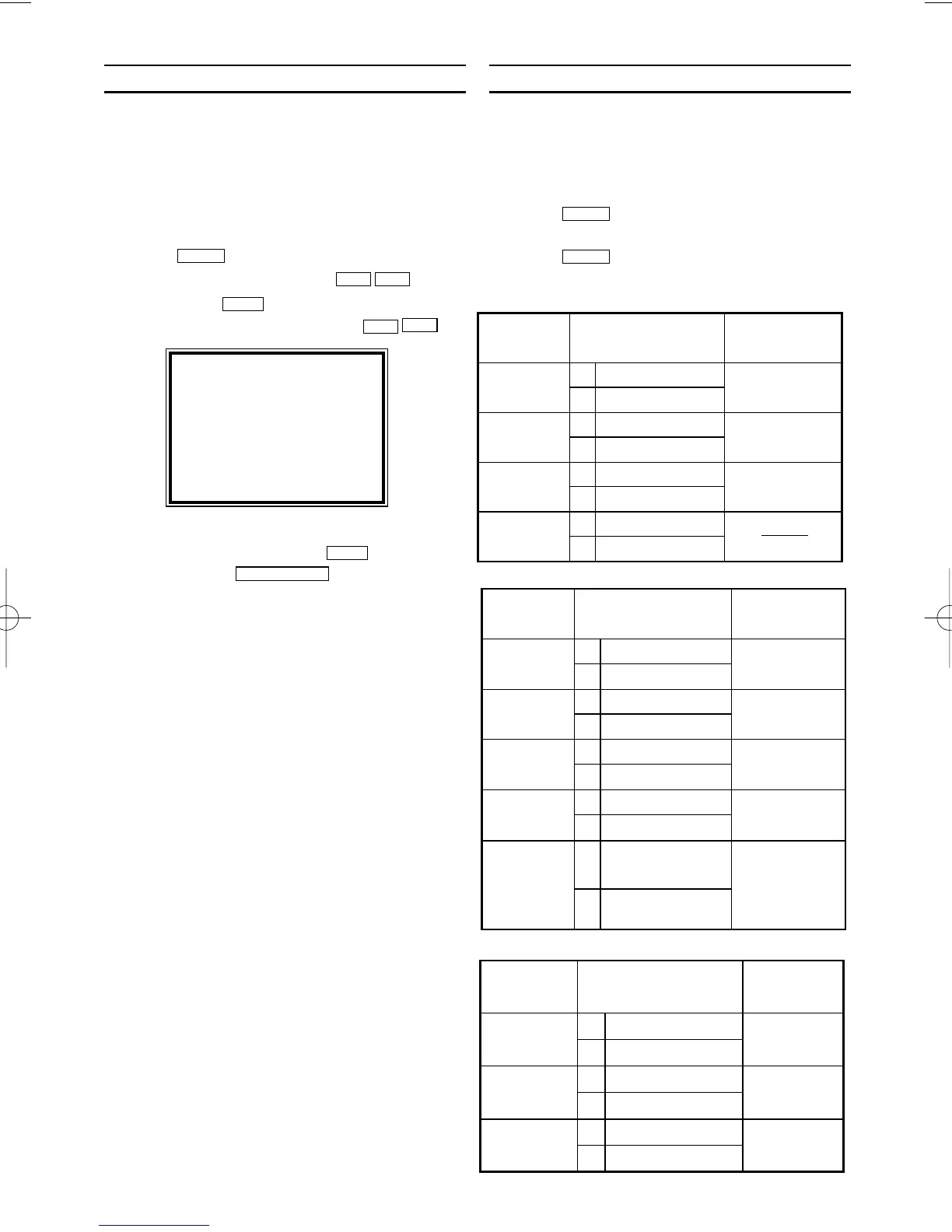
Selecting the sound channel
You can select the desired sound channel during
playback or while receiving TV channels via the
video recorder. This allows you to select a
desired language for multi-language transmis-
sions.
1.
1.Press . This will show the current
sound setting.
2.
2.Press until the desired setting
appears in the display.
AUDIO
AUDIO
STATUS/EXIT
B1
LC
KB
B1
LCKB
MENU
SELECT KL CHOOSE B
REPEAT PLAY [ON]
STATUS DISPLAY [ON]
BLUE BACKGROUND[ON]
→AUTO STANDBY [ON]
END=EXIT


 To Next Page