Programming with ’VIDEOPlus+’
All the information required for a programming is encoded in
the VIDEOPlus+ code.
1 Switch on the TV set.
2 Press the TIMER k button on the remote control.
3 With the digit buttons 0-9 , enter the VIDEOPlus+ code
(up to 9 digits) printed in your TV guide next to the start
time of a TV programme.
If you make a mistake, clear with the CLEAR (CL) button.
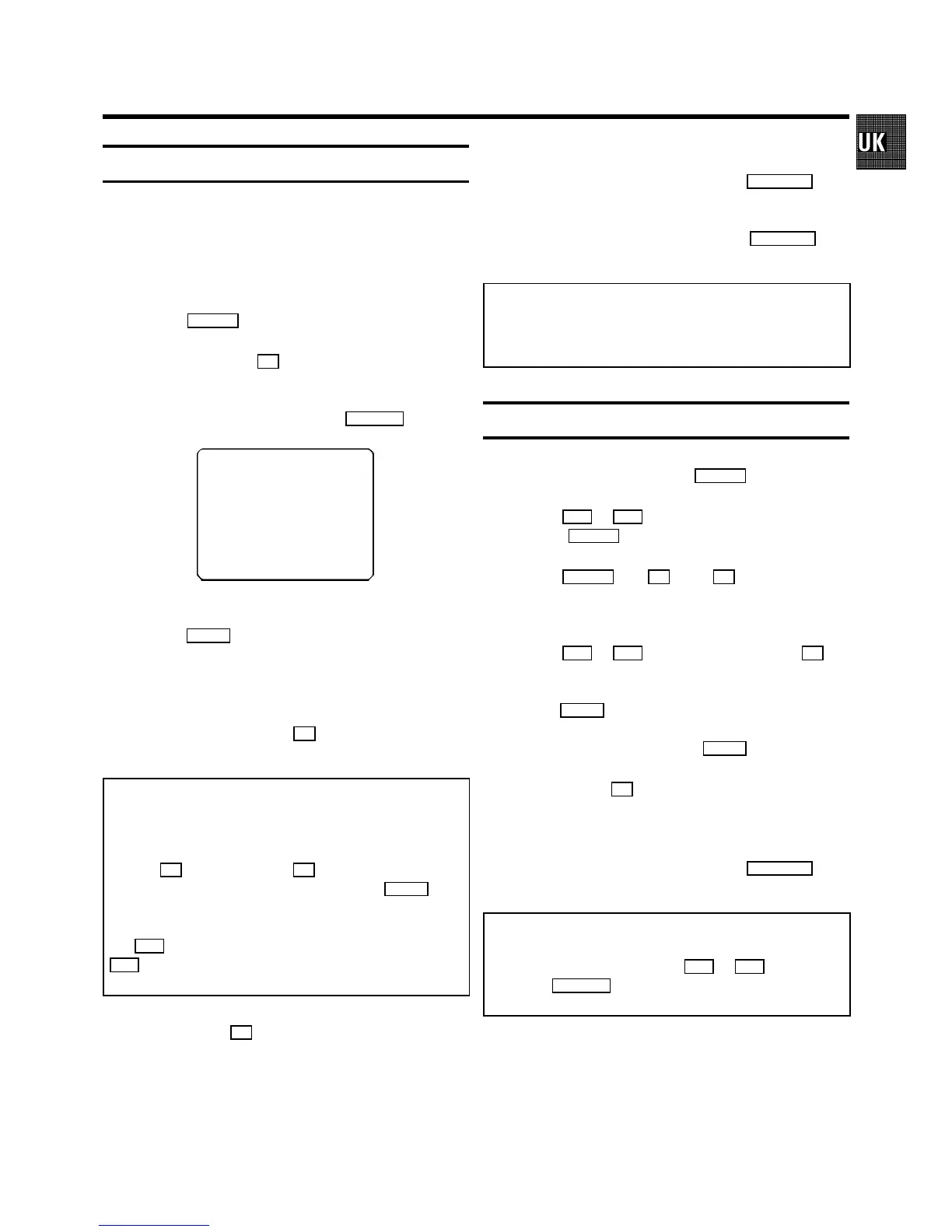
VIDEOPLUS
53124----
ONCE
------------------------
D/WgSELECT CLEAR gCL
0-9 OK
4 If you want to programme at daily or weekly intervals,
press the SELECT button until ’D-DAILY’ (daily intervals) or
’W-WEEKLY’ (weekly intervals) appears on the TV screen.
The ’daily intervals’ function can only be used for
recordings to be made from Mondays to Fridays inclusive.
5 Confirm the entries with the OK button. The resultant data
appears on the TV screen.
Note: If you use VIDEOPlus+ for the first time for this TV
channel, the line ’SELECT PROG’ appears when you confirm
the VIDEOPlus+ code. Instead of ’E2’, select the programme
number for this particular TV channel, using the digit
buttons 0-9 . Confirm with the OK button.
* Switch ’PDC’ or ’VPS’ (V/P) on or off with the SELECT but-
ton.
* If you wish to set a later end time for a recording, press
the P q button at step 5 . Each time you press the
P q button you will add 15 minutes to the end time.
* If e.g.: ’20:00’ flashes in the display, please set the clock.
6 Finally, press the OK button. Programming is now com-
plete.
The data has been stored in a TIMER block.
7 Make sure that a cassette without erase protection has
been loaded. Switch to standby with the STANDBY m but-
ton.
A programmed recording will only function when the video
recorder is switched to standby with the STANDBY m but-
ton.
Note:
* VIDEOPlus+ Aerial-code numbers: With this video re-
corder, VIDEOPlus+ aerial-code numbers will be allocated
automatically.
Programming recordings manually
1 Switch on the TV set. Press the TIMER k button twice.
2 With the P q or P r button, select a free TIMER block.
Press the TIMER k button.
3 With the TIMER k , the C or the D button you can
select between the entries ’DATE’ (date), ’PROG’
(programme number), ’START’ (start time) and ’END’
(stop time).
With the P q or P r button or the digit buttons 0-9 ,
you can enter or adjust data.
You can switch ’VPS/PDC’ (V/P) on and off at step ’START’
with the SELECT button.
You can select between ’D’ (daily intervals) or ’W’ (weekly
intervals) at step ’DATE’ with the SELECT button.
4 Finally, press the OK button. Programming is now com-
plete.
5 Make sure that a cassette without erase protection has
been loaded. Switch to standby with the STANDBY m but-
ton.
Note:
* Clear a TIMER block: At step 1 select the TIMER block
that you want to clear, using the P q or P r button.
Press the CLEAR (CL) button.
If e.g.: ’20:00’ flashes in the display, the clock must be set.
13



 To Next Page