56
the file, press button to confirm, then press to play.
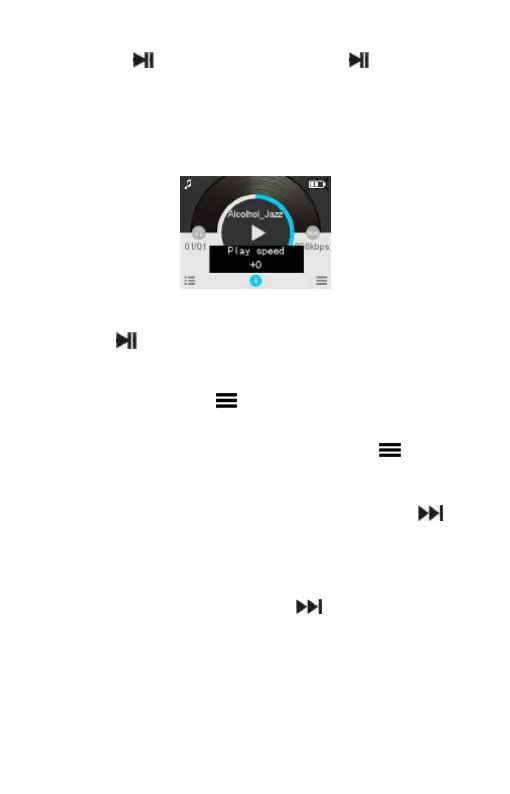
Play speed
When plying, shortly press “SPEED” button to enter. Play speed
interface is as follows:
Press “+” or “-” button to adjust the play speed.
Press button to confirm.
Replay mode
When plying, shortly press button to enter.
Set A-B Repeat
Set the start mark:When playing, shortly press button to
enter Reply mod. The “A” in “A-B” on LCD display flickers, if
you need to confirm the start point A , shortly press “ ” to
make confirmation.
Set the finish mark:After setting mark A, the “B” in “A-B” on
LCD display flickers, shortly press “ ” to set the finish mark.
The “A-B” is displayed on the LCD. As the replay marks are
fixed on “A-B”, the section between mark A and B will be
replayed for specified times. After playing specified times, the















 To Next Page