60
Press “+” or “-” button to select.
Press button to confirm.
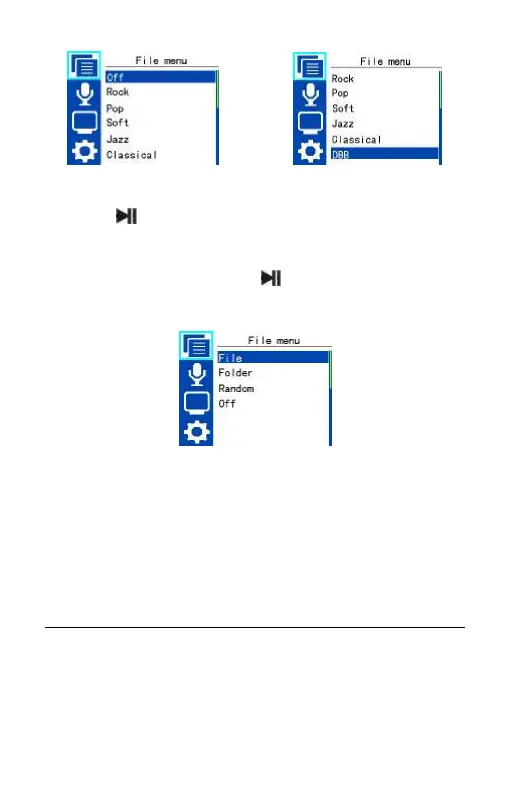
Play mode
Select the menu Play mode, press to enter. Play mode interface
is as follows:
File: repeat continuously the current track.
Folder: Repeat tracks on a play list.
Random: Play randomly tracks in selected folder.
Off: Play tracks sequentially in selected folder. After playing all the
tracks in the current folder, the playing stops automatically.
Record settings
Record settings includes: Record performance, Select channel,
Quality settings, Timer, Voice activation and Auto divide. You can















 To Next Page