62
Two MIC: Use the built-in microphones on both sides.
LINE IN: Use the external microphones to record.
XLR: Use the XLR channel to record.
One MIC: Use the built-in microphones in the middle.
Two MIC+XLR: Use the built-in microphones on both sides and the
XLR channel to record.
Two MIC+ One MIC: Use the built-in microphones on both sides
and the built-in microphones in the middle to record.
Line in+ One MIC: Use the external microphones on both sides and
the built-in microphones in the middle to record.
Line in+ XLR: Use the external microphones on both sides and the
XLR channel to record.
Quality settings
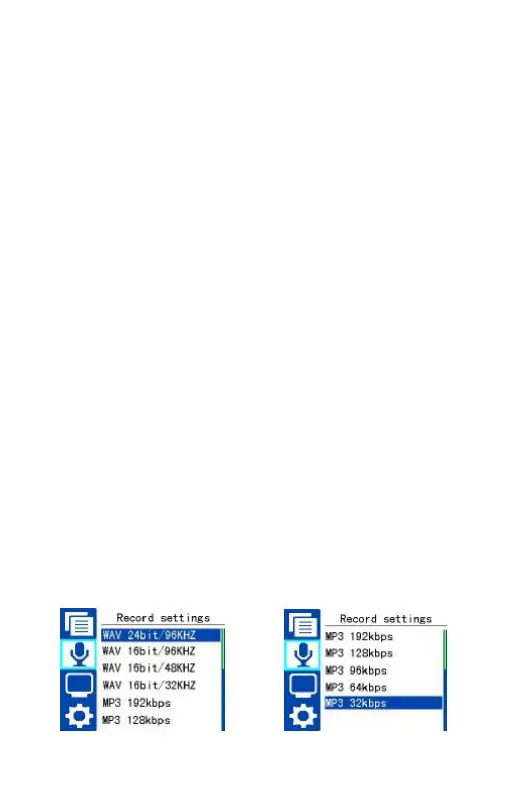
You can change record types according to your preference. Quality
setting includes: WAV 24Bit/96KHZ, WAV 16Bit/96KHZ, WAV
16Bit/48KHZ, WAV 16Bit/32KHZ, MP3 192kbps, MP3 128kbps, MP3
96kbps, MP3 64kbps and MP3 32kbps. Quality settings interface is as
follows:















 To Next Page