63
Timer
Timer: first pre-set a length of time, when system time reaches the
pre-set time, the system automatically starts recording. On the
functions menu, choose the “Timer”, then press the REC button to
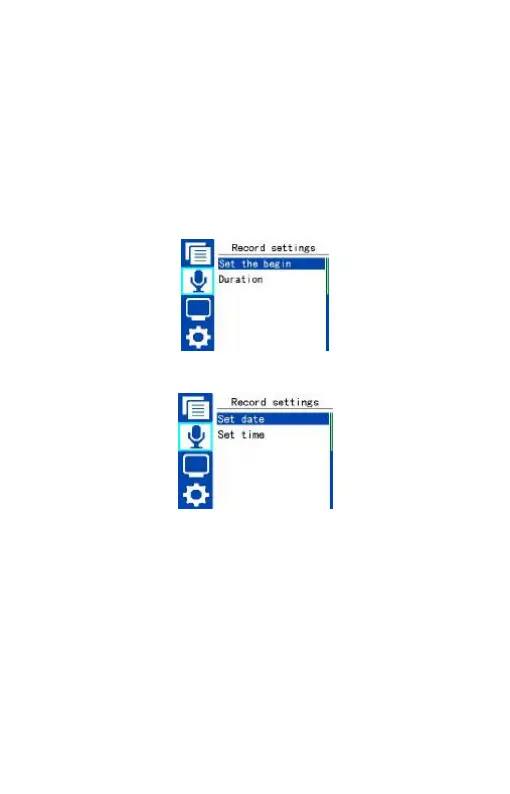
enter “Timer” setting. See the below reference picture:
The interface of Set the begin is as follow:
On this interface, users can select “Set date” or “Set time” set the
time when the device starts recording automatically.
The second function is the recording duration. You can set the
recording duration to 30, 60, 120 minutes or Available memory. The
recording duration setting as follows:















 To Next Page