24 Settings
Settings
Setting menu introduction
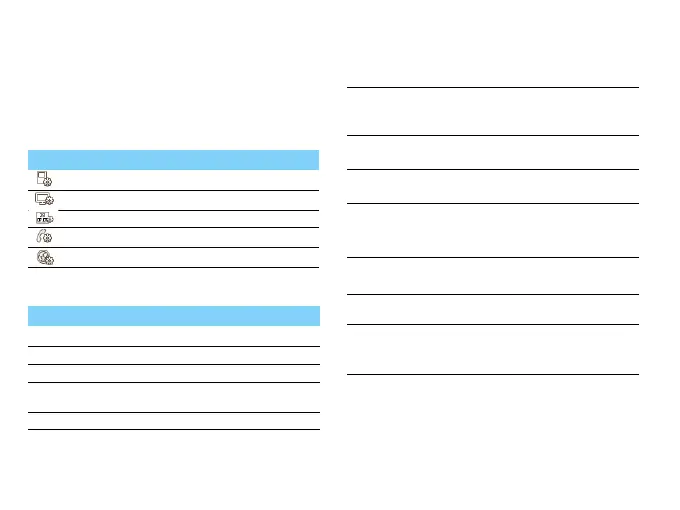
Go to Settings, there are 5 setting icons on the top
of the screen.
Phone setting
Icons
Definition
General settings.
Display settings.
Time and date.
Call settings.
Connectivity settings.
Function
Definition
SIM settings
SIM card slot settings.
Dual SIM settings Set SIM card name and icon.
Mode setting Select the SIM1/SIM2 mode.
Primary SIM Select active mode to receive calls or
message from a SIM card.
Language Select a language for your phone.
Shortcuts
Edit the shortcuts in the idle
screen or Change the order of
shortcuts.
Noise
Reduction
Turn on to reduce the
environmental noise during a call.
Speed dial
Call a contact by long tapping a
numeric key.
Memory
status
Check the memory occupancy of
information of different memory
storage.
Auto keypad
lock
Set an time span for the keypad to
be locked. automatically.
Auto power
Set time for power on/off
automatically.
Security
settings
This menu allows you to use
passwords to protect your SIM
card, phone, and information
stored on the phone.



 To Next Page