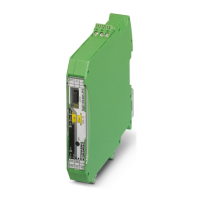
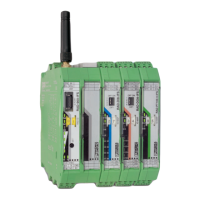
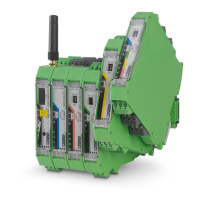
RAD-...-IFS
36 / 198
PHOENIX CONTACT 105542_en_05
Different sticks are available for easy configuration without the need for software.
For 2.4 GHz wireless modules:
– RAD-CONF-RF3 for RF band 3 (Order No. 2902814, yellow)
– RAD-CONF-RF5 for RF band 5 (Order No. 2902815, green)
– RAD-CONF-RF7 for RF band 7 (Order No. 2902816, blue)
For 868 MHz wireless modules:
– RAD-868-CONF-RF1 for RF band 1 (Order No. 2702197, red)
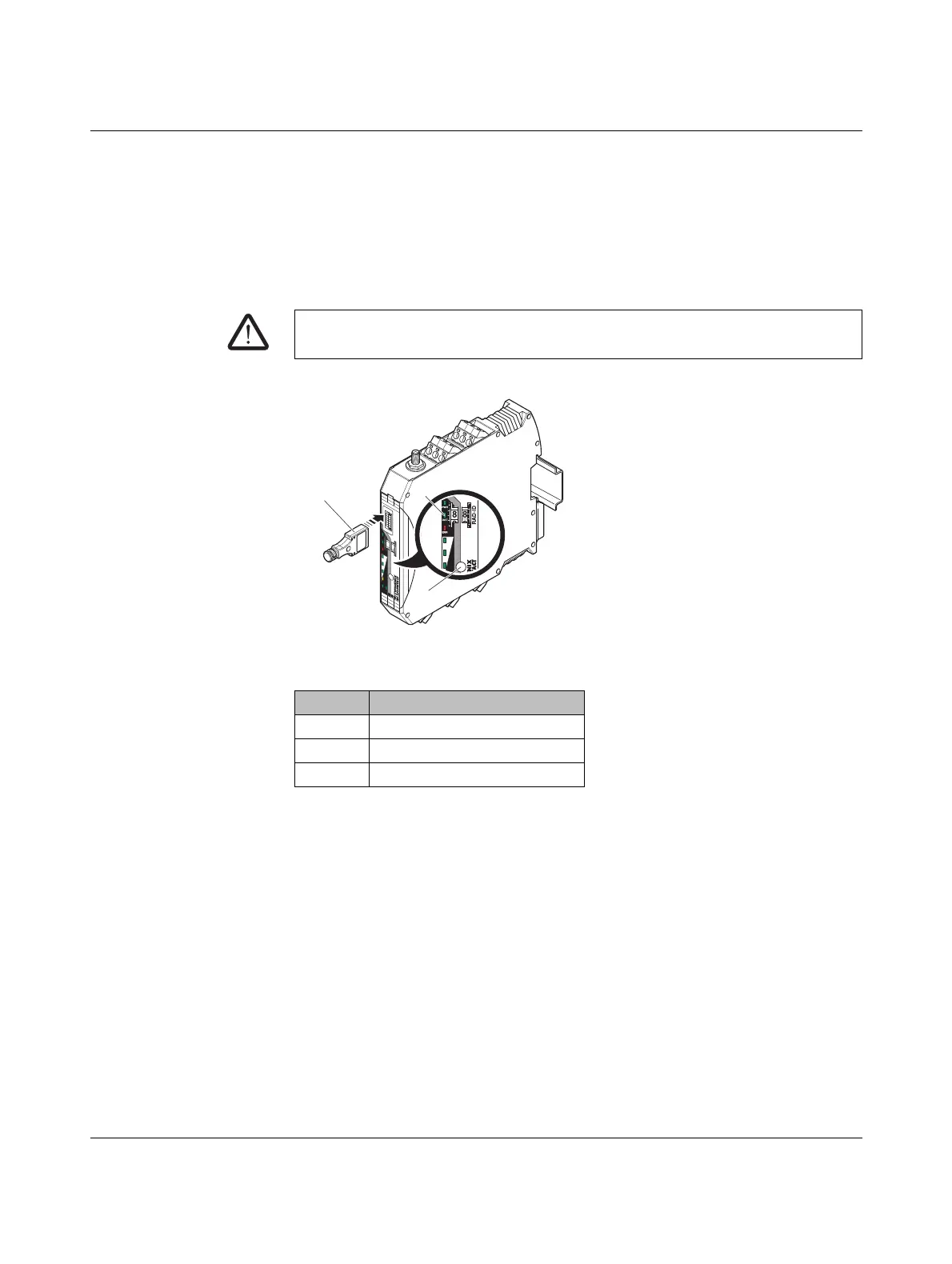
Figure 4-6 Configuration using the configuration stick
• Carefully insert the configuration stick with the 12-pos. IFS connector into the S-PORT
of the wireless module.
• Press the SET button on the wireless module for one second. Parameter read-in is
started. Read-in has been completed when the DAT LED lights up once. The new pa-
rameters are activated.
• Remove the configuration stick from the wireless module.
• Repeat this process for each individual wireless module in the network.
WARNING: Explosion hazard when used in potentially explosive areas
Do not insert or remove the configuration stick in a potentially explosive atmosphere.
Item Description
1RAD-CONF-RF
2Status LEDs
3SET button
+
2
4
V
0
V
R
S
S
I+
R
S
S
I-
+24V
RSSI+
R
SSI-
AN
T
C
O
M
1
N
O
1
N
C
1
R
X
TX GND
D(A
)
D
(B
)
SET
RAD-ID
RAD-2400-IFS
S.PORT
8
8
PW
R
D
A
T
ER
R
R
X
TX
0
V
SET
3
2
1


 To Next Page
 Loading...