- 18 – Phoenix Audio Technologies www.phnxaudio.com
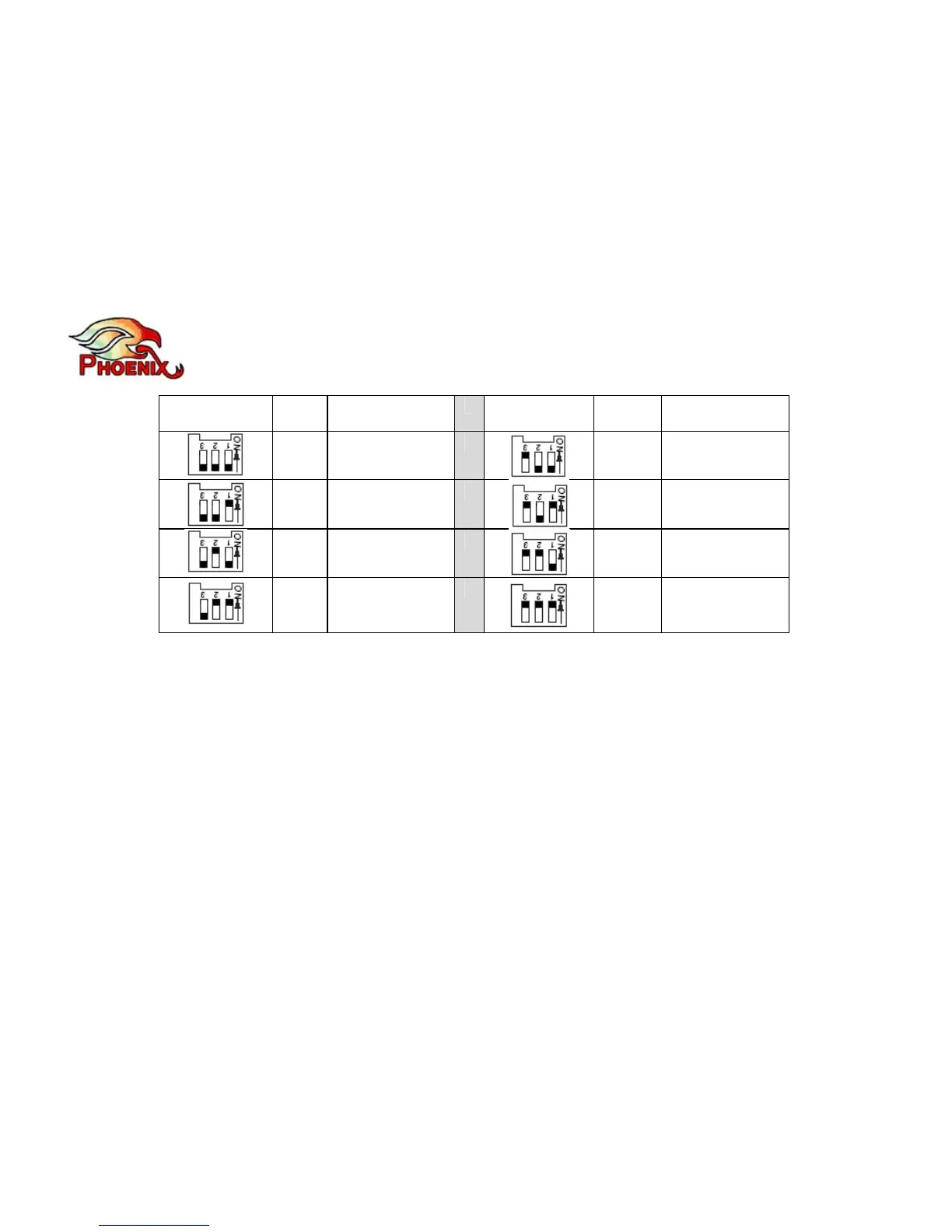
Switch
Position
Output level
peak-to-peak
Switch
Position
Output level
peak-to-peak
Line
level
3.0v
Mic
level
0.5v
Line
level
1.5v
Mic
level
0.25v
Line
level
0.75v
Mic
level
0.125v
Line
level
0.375v
Mic
level
0.0675v
In order to use the VCA interface with a digital phone’s headset jack you need the proper cable
(two RCA to RJ11). There are two types of wiring depending on the type of telephone you are
using. These cables are available for purchase separately.
Using external speakers
If you wish to use your VC’s speakers you can either:
1) Connect the VC out to the right RCA jack, and connect your speakers to the 3.5mm
“external speakers” jack on the Quattro’s primary panel.
Or



 To Next Page