- 19 – Phoenix Audio Technologies www.phnxaudio.com
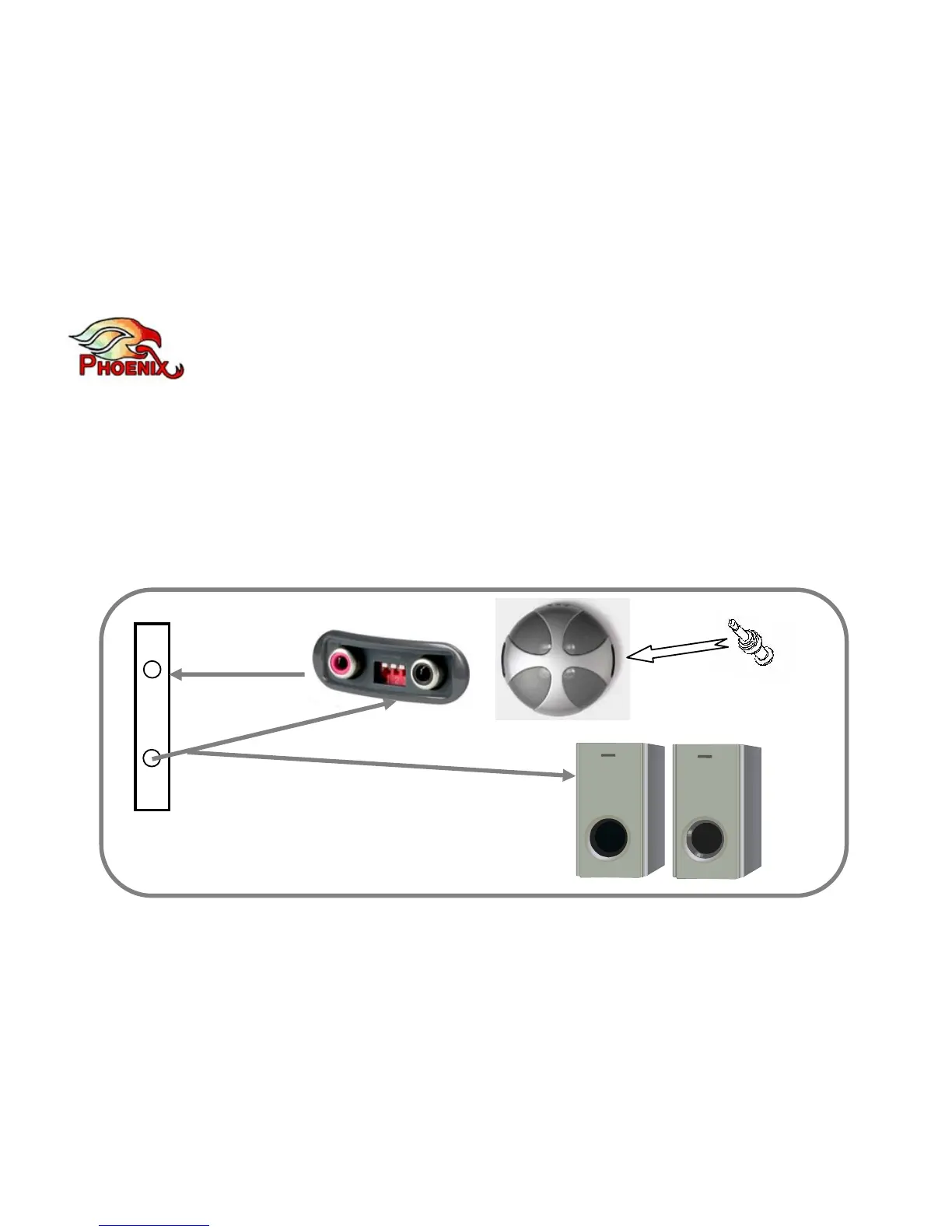
2) Using a RCA Y cable, split the VC out, connect one end to the Quattro (right RCA jack)
and the other end to your speakers. This way requires less cables running back and forth
from your VC to the Quattro. Note that in this configuration the Quattro’s internal speaker
will work in addition to the external speakers. If you wish to disable the internal
loudspeakers you can plug a Dummy 3.5mm plug into the 3.5mm jack (in the primary
interface panel). Such dummy plug can be purchased separately (you can use any
3.5mm plug for this purpose).
Dummy Plug
(Optional)



 To Next Page