03. Screen
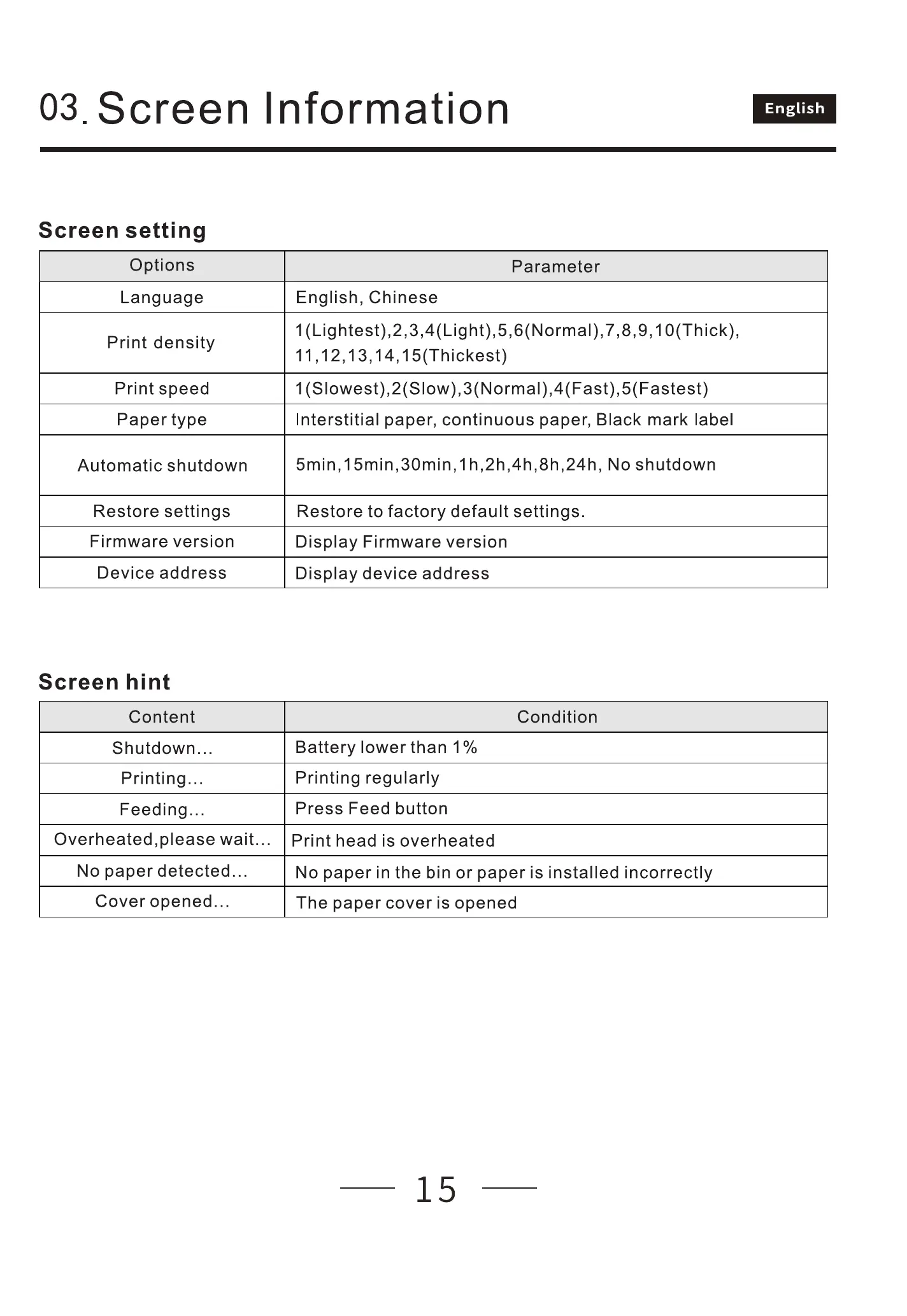
Screen setting
Options
Language
Print density
Print speed
Paper type
Automatic shutdown
Restore settings
Firmware version
Device address
Screen hint
Content
Shutdown...
Printing...
Feeding...
Overheated,please wait..
No paper detected...
Cover opened.
Information
English, Chinese
English
Parameter
1 7 10(Thick),
14,1 5(Thickest)
1(Slowest),2(Slow),3(Normal),4(Fast),5(Fastest)
Interstitial paper, continuous paper, Black mark label
1 No shutdown
Restore to factory default settings.
Display Firmware version
Display device address
Condition
Battery lower than 1%
Printing regularly
Press Feed button
Print head is overheated
No paper in the bin or paper is installed incorrectly
The paper cover is opened
15



 To Next Page