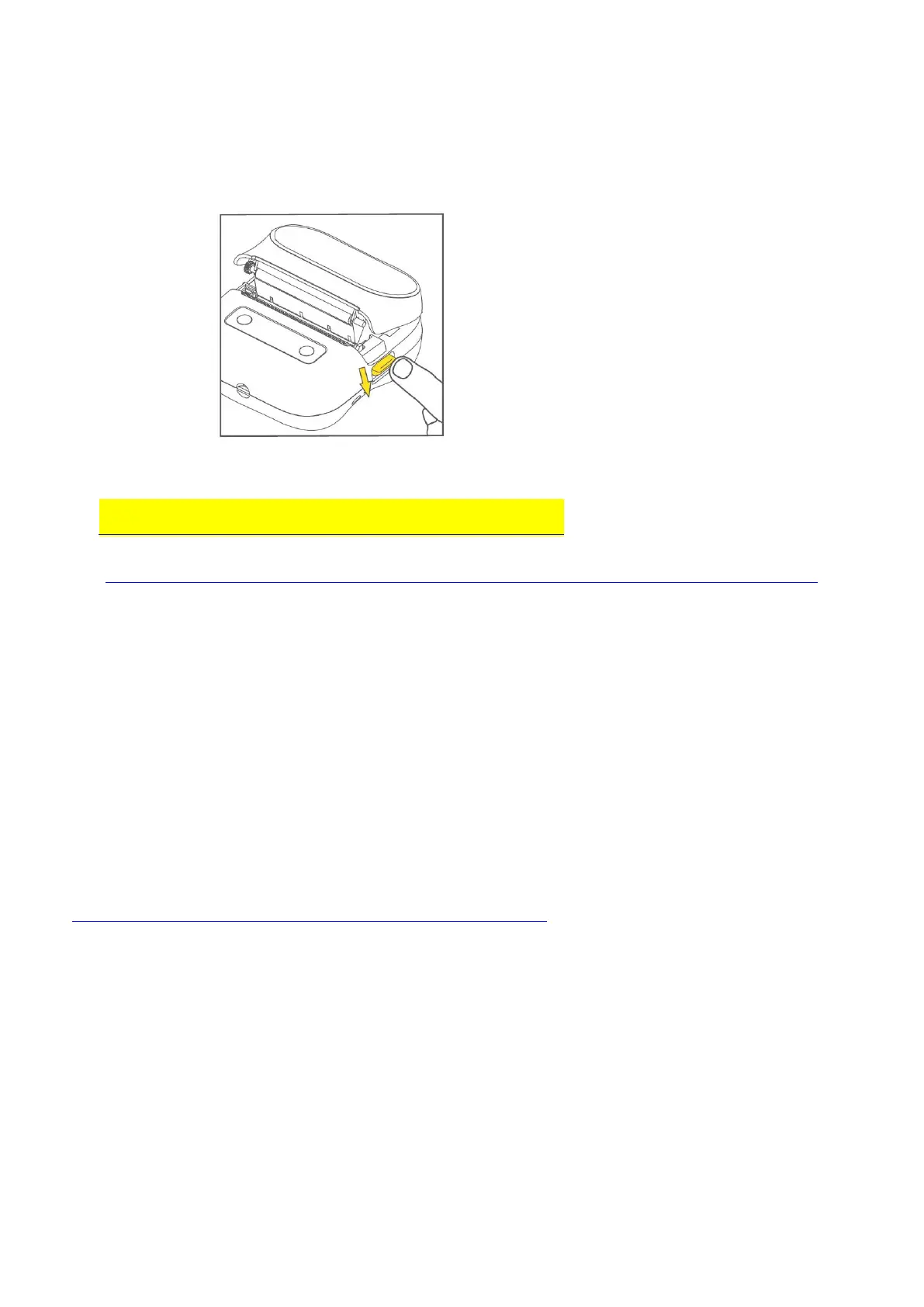
How to install paper and download app?
1. You need to press to open the release latch and find the label paper to install
For details.
To view the video tutorial, please click:
M220 Label Printer install paper roll & download app.
(www.amazon.com/vdp/0e9fde9b980940d9a60cce87ce395383?ref=dp_vse_ibvc2)
How to use M220 Label Maker for PC-windows 10 & Mac OS
1. Check whether your computer system is: windows 10 & Mac OS, we only support the
above two systems, other systems are not currently supported;
2. Go to the official website to download the installation software + driver on the PC side
(Https://phomemo.com/pages/download-center-m220)
1. Bluetooth connection problem
① Not supported appears on the connection
Please find Bluetooth devices in the app, not through the system settings.
Please click the upper left corner of Print Master App - choose the product kind to M220



 To Next Page