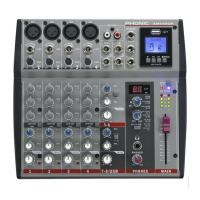
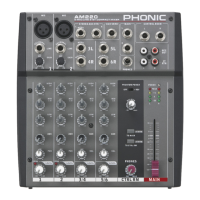
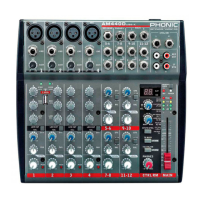
AM5GE / AM6GE
English
3
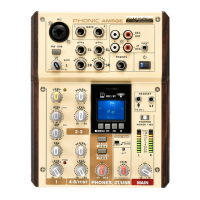
TF/BT MODULE (TF RECORDING)
1. Insert a FAT-32 formatted TF card (up to 64GB).
2. In the main menu, select ‘Recordings’ and press
the PLAY.
3. Here you have the options: ‘Start voice recording,’
‘Record Settings’, ‘Record Format’ and ‘Recordings
library’ (among others).
4. Adjust the ‘Recording Format’ (MP3 or WAV) and
‘Record Settings’ as necessary (available record-
ing bitrates depends on format).
5. Select “Start voice recording” to begin recording
immediately. The unit will save an audio le to a
‘RECORD’ folder on your inserted TF card.
6. Push the PLAY button to pause recording. Push-
ing the PLAY button again will resume recording
from the position at which it was paused.
7. Press the STOP/MENU button at any time to stop
the recording. The device will then ask if you wish
to save your recording. Select “Yes” or “No”. Your
records can later be found in the “Recordings
library.”
8. Press the STOP/MENU button to exit.


 To Next Page