Instructions for Audio / Video
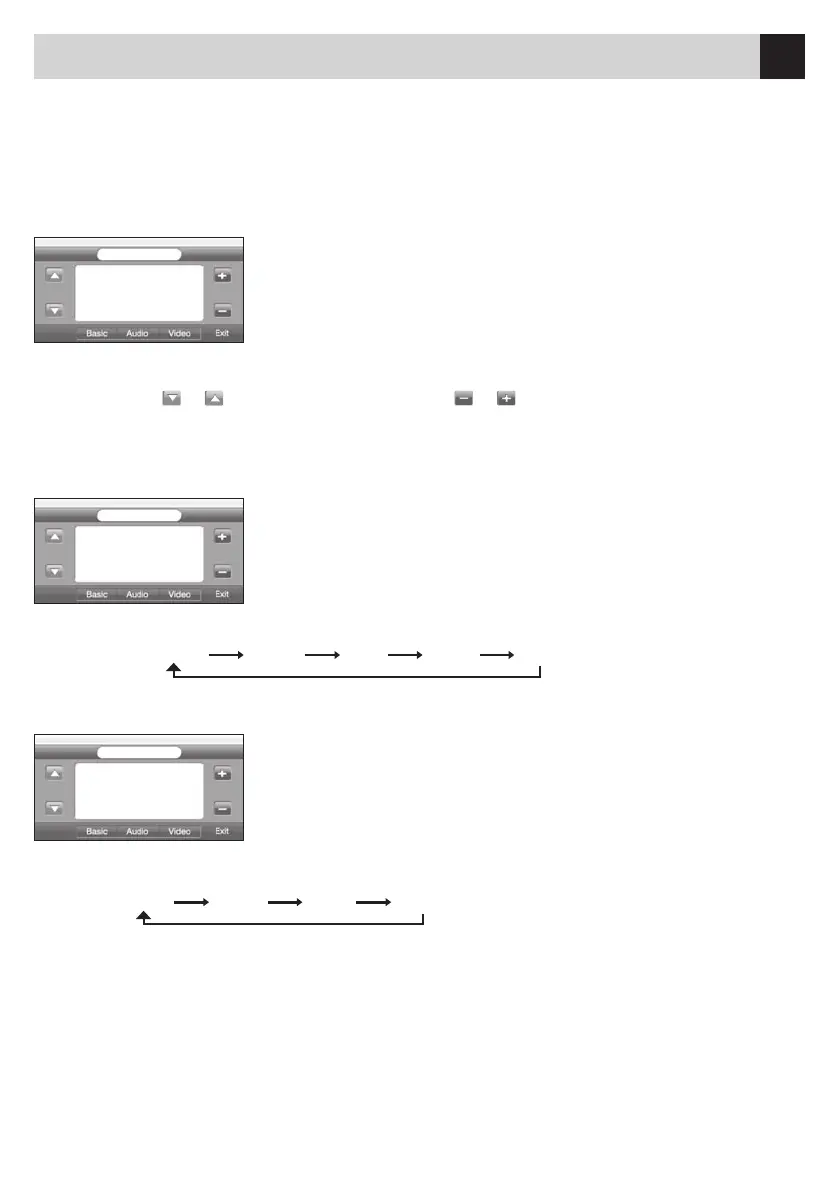
Select(SETUP)ontheleftbottomoftheMainMenu.
LOUD OFF
BEEP
ON
TOPIC
SUN
BASIC
CLOCK
00:00
BRIGHT13
COLOR
14
CONTRAST
14
VIDEO
MODE
STAN
BASS
0
TREBLE
BALANCE
AUDIO
FADER
EQ
NORM
0
0
0
•Usethelateralarrow-keysontheLEFT,toselecttheparameters;use
the +/-keys on the RIGHT, to change the parameters.
•PressEXIT-keytoleavetheMenu.Ifyouwaitafewseconds,theUnit
will leave the Menu automatically.
SETUP
•LOUD:ON/OFF• BEEP: ON/OFF • TOPIC:youcanchooseandselectanumberofdifferentscenes.
•WATCH:press
or to select Hours /Minutes. Use or keys, to set time required.
ATTENTION: the Watch is set automatically by the RDS-signal.
SETUP•Audio-Setting:BASS–MEDIUM–BALANCEandFADER,settingbetween+/-7
•EQ-Setting:
SETUP•Brightness–Colour–Contrast
•Modalité:
•Usethelateralarrow-keysontheLEFT,toselecttheparameters;use
the +/-keys on the RIGHT, to change the parameters.
•PressEXIT-keytoleavetheMenu.Ifyouwaitafewseconds,theUnit
will leave the Menu automatically.
•Usethelateralarrow-keysontheLEFT,toselecttheparameters;use
the +/-keys on the RIGHT, to change the parameters.
•PressEXIT-keytoleavetheMenu.Ifyouwaitafewseconds,theUnit
will leave the Menu automatically.
BASIC
AUDIO
VIDEO
Nowusethearrow-keystochooseandenterthefollowingMenus:BASIC–AUDIO–VIDEO.
STAN USER BRIG SOFT
NORM ROCK POP CLAS FLAT


 To Next Page