Instructions for Radio
FREQUENCY-BAND
Thefrequency-bandisagroupof6pre-determinedradio-stations.
ThisUnitdisposesof3FM-bandsand2AM-bands.
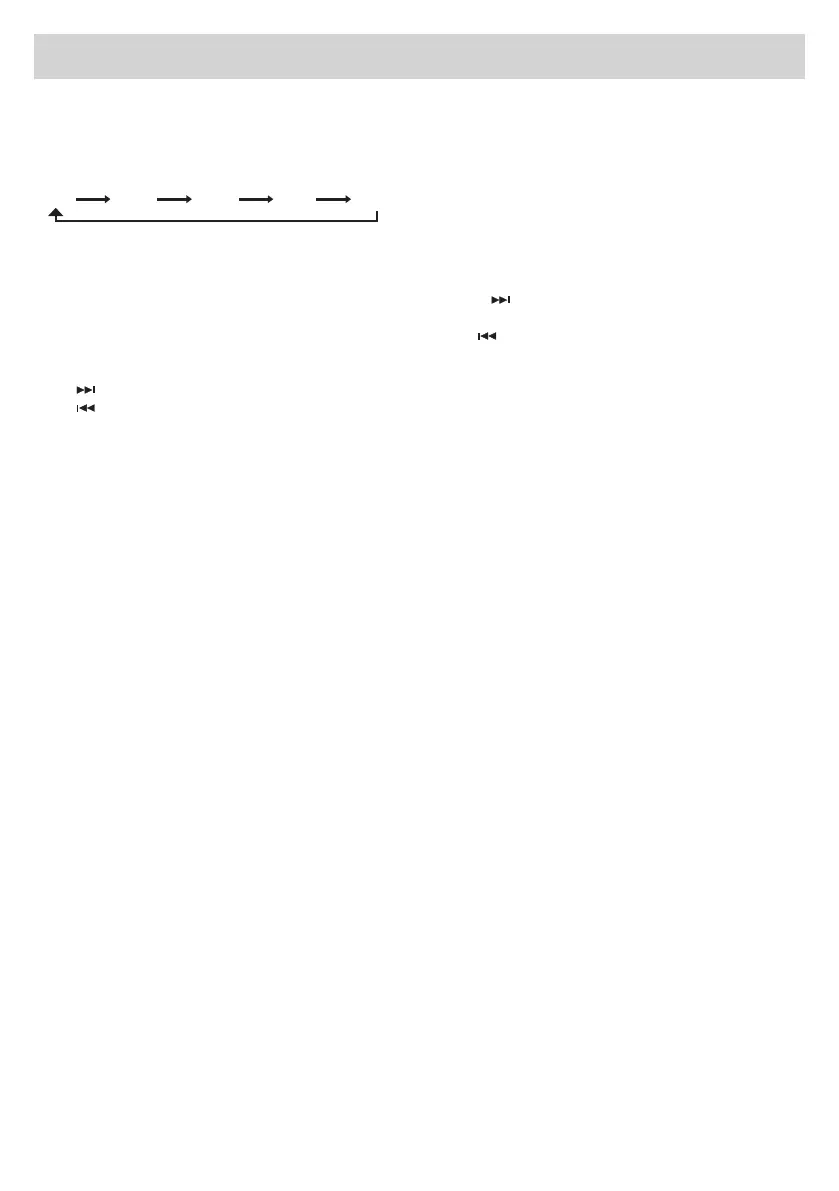
PleaseselecttherequestedFrequency-Bandonthedisplay,accordingtothefollowingsequence:
CHANGINGTHEFREQUENCIES
AutomaticTuning
To automatically tune on the subsequent Radio-Station, select orthecorrespondingfunctiononthe
Touch-Screen.
To automatically tune on the previous Radio-Station, select .
ManualTuning
Keep pressed,toswitchtoahigherFrequency(example87.50,87.55)
Keep pressed,toswitchtoalowerFrequency(example105.50,105.00).
MEMORIZINGtheRADIO-STATIONS
Ontheremote-controlunit,presstherequestedmemorizedradio-station(from1to6)untilthisstation
appears on the display.
PRE-SELECTEDCHANNELS
On the Display, press C01, C02, C03, C04, C05 or C06 to choose these pre-selected channels.
AF(AlternativeFrequency)
IncaseofbadAF-reception,theUnitwillautomaticallyswitchtoamorepowerfulsignalofthesame
radio-station.
TA(TrafcAnnouncements)
BypressingtheTA-key,theUnitwillgiveprioritytotheresearchofTraffic-Information.Consequently,the
Unitwilltemporarilyinterruptallotherfunctions,infavourofthein-comingtraffic-information.Bypress-
ingtheTA-keyagain,theUnitwillreturntothepreviousfunction.
PTY(ProgrammeType)
PressPTY.Theprogramme-typewillstartflashingontheupperlineoftheDisplay.NowusetheForward/
Backward-keys,tochangetheradio-station.Waituntiltheinformationstopsflashing,beforechoos-
inganotherradio-station.Afterhavingselectedtheprogramme-type,theUnitwillautomaticallymake
ascrolling.Example:ifyouchoosetheNEWS-programmes,theUnitwillscrollonlytheNews-pro-
grammes. Amongst the AF, TA and PTY-types, the TA-programmes will have the absolute priority
FM1 FM2 FM3 AM1 AM2


 To Next Page