MENÙ • MENU
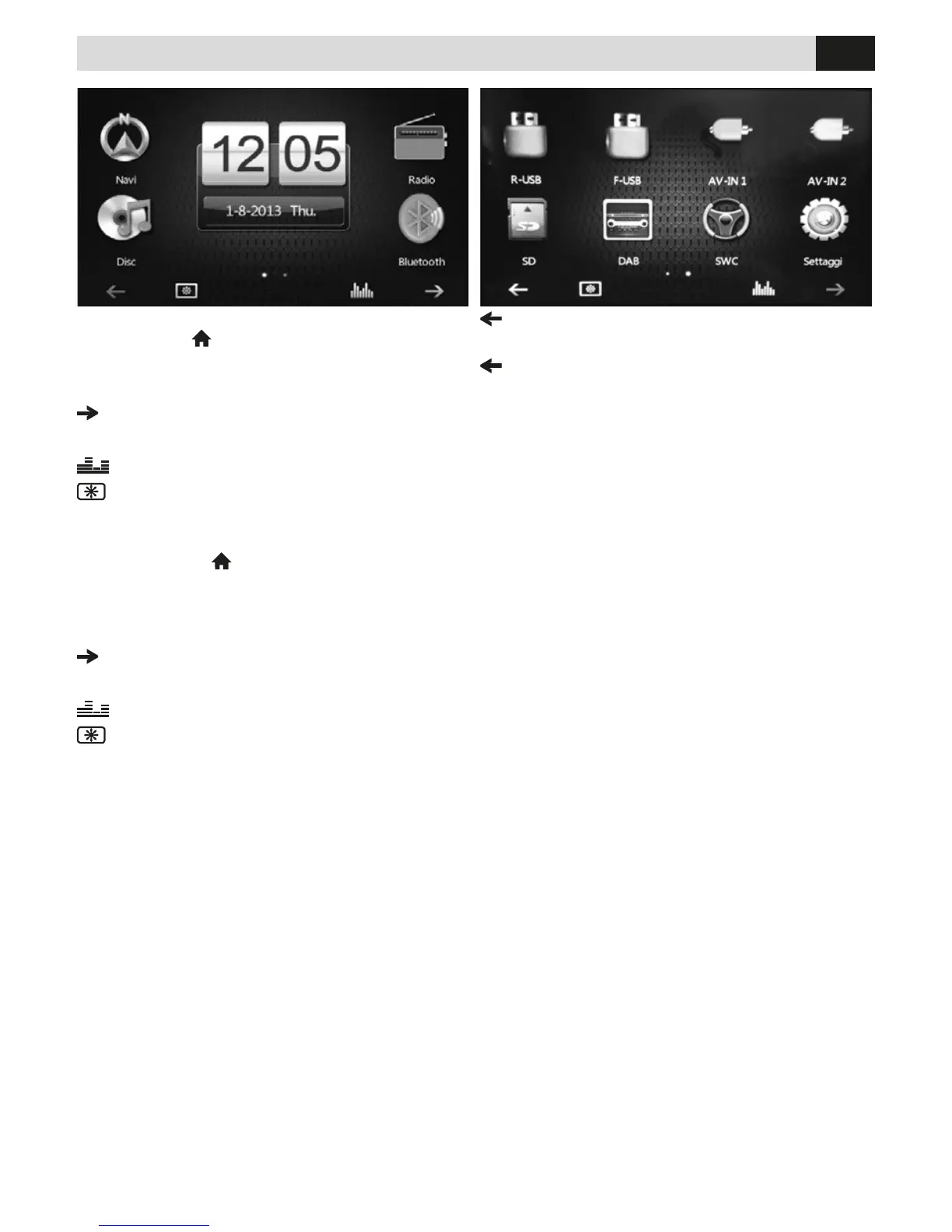
All’accensione dell’autoradio compare il MENU
radio. Premere
per entrare nel Menu principale.
Con le icone sullo schermo si seleziona la sorgente
o la funzione desiderata.
Passa al Menù successivo
12:05 Data e orario
Equalizzatore
Cambia sfondo
Passa al Menù precedente
Go to previous Menu
When you switch-on the car-radio, the Radio Menu
will appear. Press
to Main Menu.
With the icons on the screen, you can choose the
Source and the
requested Functions.
Go to next Menu
12:05 Date and Time
Equalizer
Change Wallpaper


 To Next Page