6
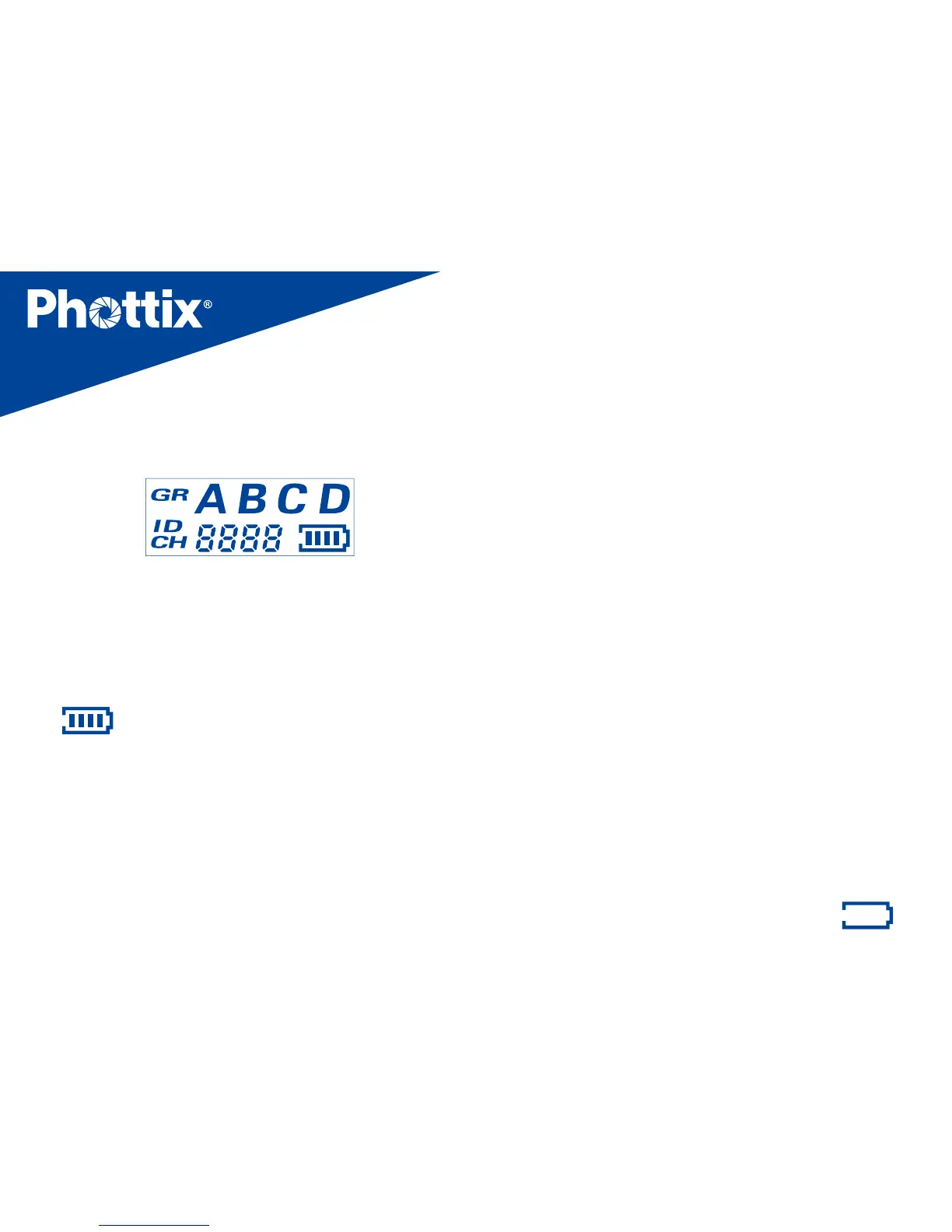
LCD display
1. GR: Group
(
A
、
B
、
C
、
D
)
2. ID :0000~9999 (Supported only when using
channels 5-16)
3. CH: Channels (1~16)
4.
:
Battery level display
Function and operation
Battery Installation
1. Press and hold the battery cover and push
in the direction indicated on the battery
cover to open. Remove the battery cover.
2. Install AA batteries.
3. Replace the battery cover and push back
into the locked position.
Caution: The Ares II circuitry is designed to
use with Alkaline, NI-CD or Ni-MH battery.
Do not use Lithium AA batteries.
Powering On/O the Ares II
1. Power On
:
Press and hold the power
button for 2 seconds until the main interface
is displayed on the unit’s LCD.
2. Power O
:
Press and hold the power
button for 2 second until the main interface
disappears from the unit’s LCD.
3. When the battery power level icon “
”
,



 To Next Page