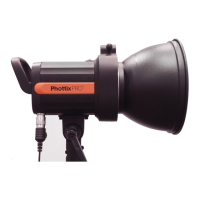
4. Switch on the Ares II Receiver and hot shoe
ash/studio light.
5. Set the hot shoe ash/studio light to
manual mode.
Note: It is not unusual for the ash to
discharge once after turning on the Ares II
Receiver.
Transmission channels
,
Groups (GR) and Digital ID
The Ares II Flash Trigger System has
:
• Channels CH
:
1
~
16
• 4 ash groups (GR)
:
A
,
B
,
C
,
D
• Selectable Digital ID
:
0000
~
9999
(
Supported only with channels 5-16).
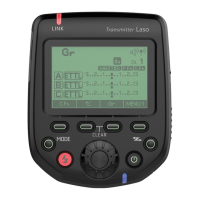
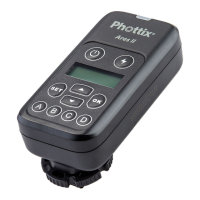
The Ares II Transmitter
Setting the Groups, Channels
and Digital ID on the
Transmitter
1. Press the Settings button to enter
Channels and Digital ID settings interface.
2. Press the
button to cycle the display
between Channels or Digital ID setting. The
selected feature will ash to indicate it is
selected.
3. Press the Selection Buttons Up or
Down
to set Channels (CH) and
Digital ID value.


 To Next Page