2. Make sure the receiver is set to the same
channel as the transmitter.
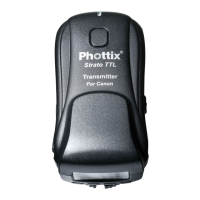
Connecting Strato TTL transmitter to
the camera hot shoe
1. Turn off the camera and Strato TTL
transmitter.
2. Slide the Strato TTL transmitter into the
camera’s hot shoe mount.
3. Turn the Strato TTL locking ring until tight.
4. Turn on the Strato TTL transmitter.
5. Turn on the camera and set the shooting
mode.
Connecting a ash to the Strato TTL
receiver hot shoe
1. Turn off the flash and the Strato TTL
Receiver.
2. Slide the ash into the receiver’s hot shoe
mount.
3. Lock the flash with the flash’s locking
mechanism.
4. Turn on the flash and the Strato TTL
receiver.
5. Set the ash to ETTL mode.
Please Note:
It is not unusual for the flash to discharge
once after turning on the Strato TTL.


 To Next Page