7
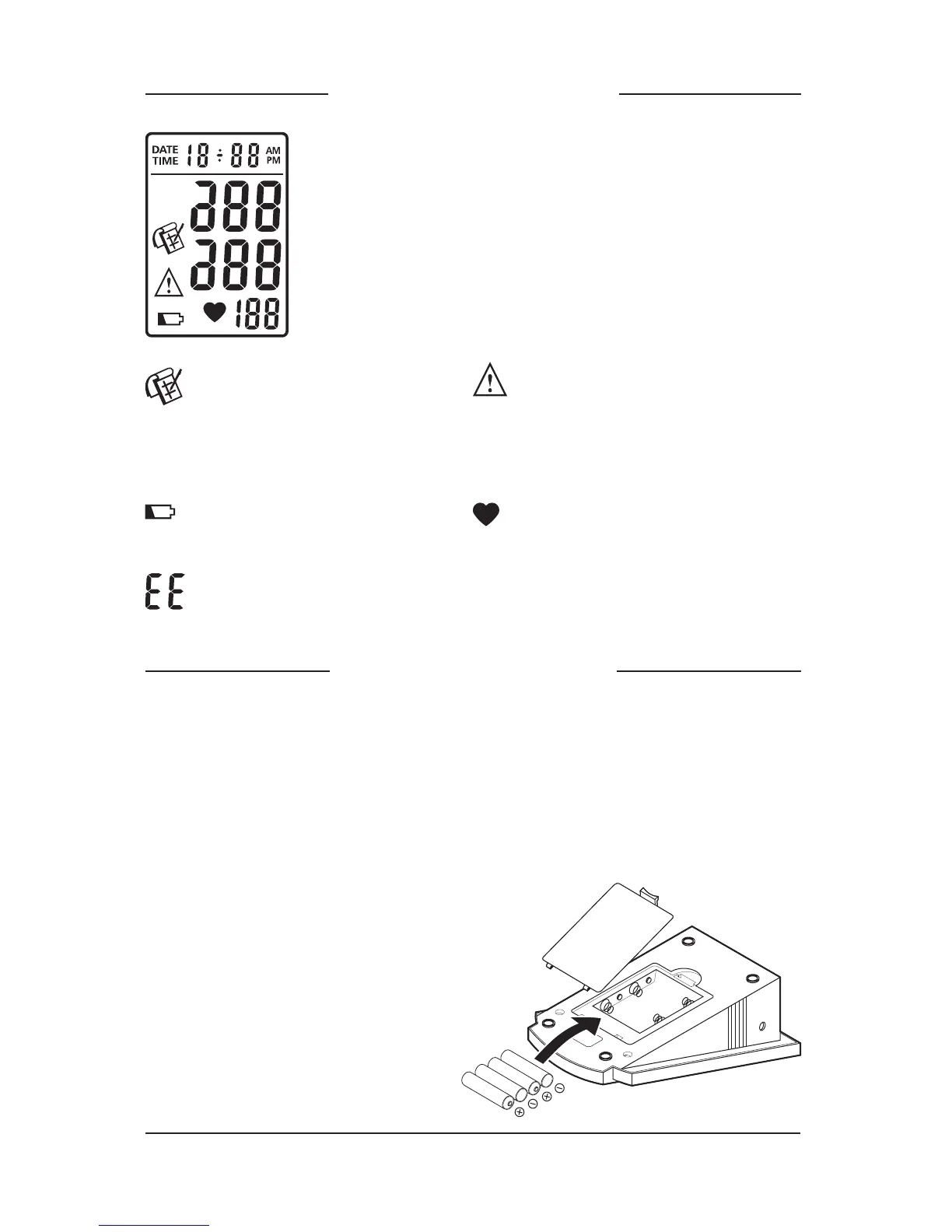
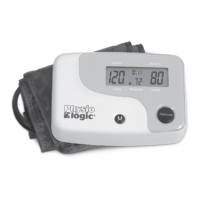
Display Explanation
Date and time
Systolic pressure
Diastolic pressure
Pulse rate
Appears when
measurement value is
stored in memory or is
recalled from memory.
Appears when blood
pressure reading is higher
than 160 mmHg (sys.) or
95 mmHg (dia.)
Appears when batteries
should be replaced.
Occurs when a error was made during measurement.
Shows the pulse rate per
minute.
Installing Batteries
1. Press down and lift the battery cover in the direction of the arrow
to open the battery compartment.
2. Install 4 “AA” 1.5 V Alkaline batteries according to the
indication inside the compartment.
3. Replace the battery cover by inserting the bottom tabs first, then
push in the top end of the battery cover.
Replace batteries when:
1. Low battery icon appears on display.
2. The On / Off / Start button is
pushed and nothing appears
on display.



 To Next Page