Display Explanations
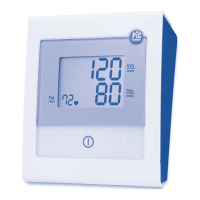
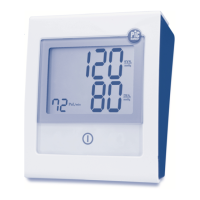
Display:
Icone:
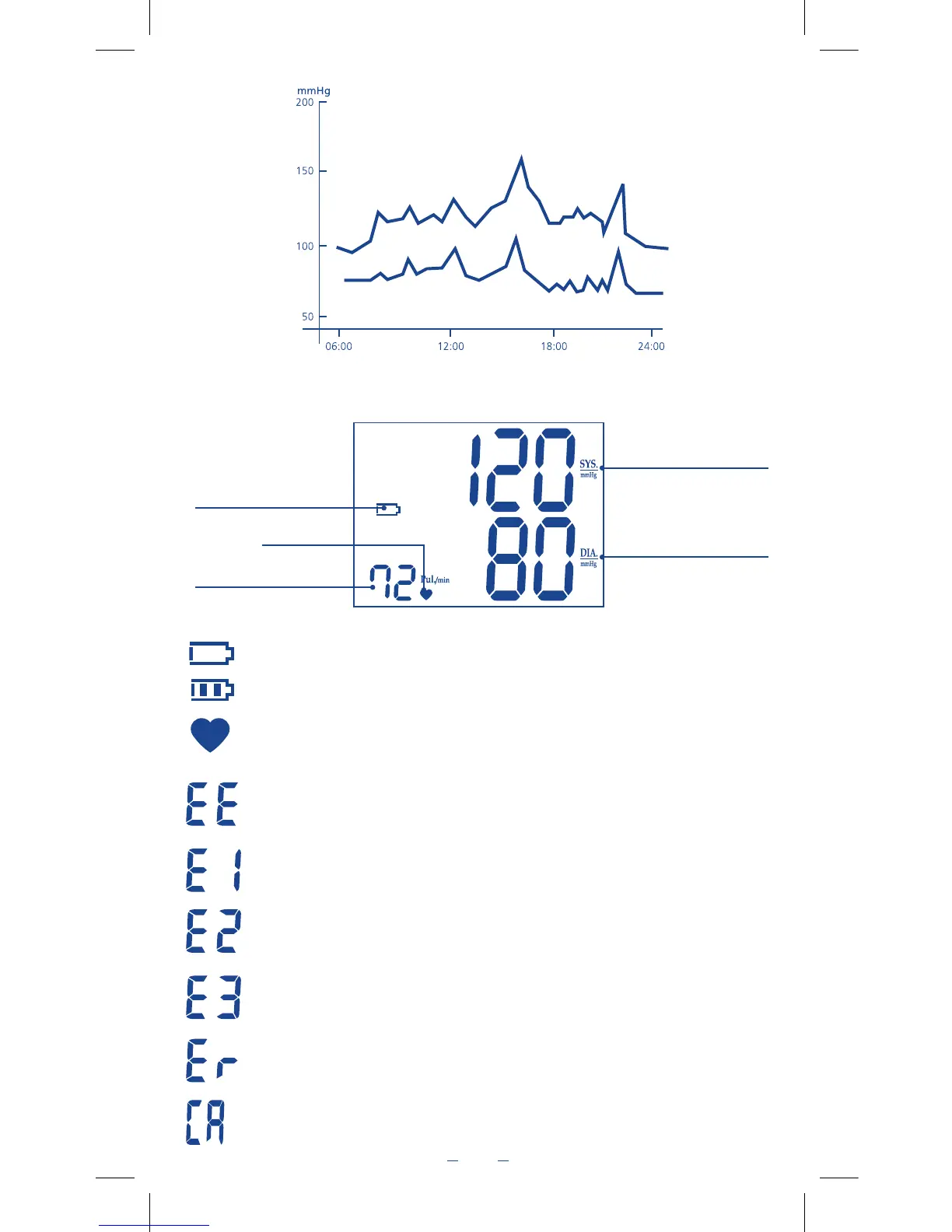
Low battery indicator: appears when batteries should be replaced
Charged battery indicator.
Pulse rate: Shows the pulse rate per minute.
Measurement Error: Make sure the L-plug is securely connected to the air socket and measure
again calmly. Wrap the cuff correctly and keep arm steady during measurement. If error keeps
occurring, return the device to the local distributor or service centre.
Air circuit anomaly: make sure the L-plug is securely connected to the air socket and measure again
calmly. If errors still occur, return the device to your local distributor or service centre for help.
Pressure Exceeding 300 mmHg: Switch the unit off and measure again quietly.
If error keeps occurring, return the device to the local distributor or service centre.
Data Error: Remove the batteries, wait for 60 seconds, and reload. If error keeps occurring,
return the device to the local distributor or service centre.
Exceeding Measurement Range: Measure again calmly. If error keeps occurring, return the
device to the local distributor or service centre.
Calibration Indicator: Appears when the monitor requires re-calibration. Re-calibration recom-
mended.
Fluctuation within a day
(case: Male, 35 years old)
Systolic pressure
Diastolic pressure
Wake up
Arrive
at office
Discussion on
the telephone
Argument in
a meeting
Leave
office
Dinner/Sleep
Low Battery Indicator
Pulse rate
Pulse indicator
Systolic pressure
Diastolic pressure


 To Next Page