Need help?
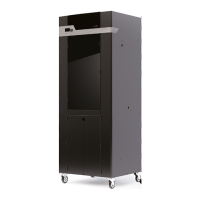
Do you have a question about the PICASO 3D Designer XL and is the answer not in the manual?
Crucial safety guidelines and warnings for operating the 3D printer.
Procedures for unpacking, setting up the workplace, and initial power connection.
Details the contents of the starter kit and identifies the main printer components.
Navigating the printer's menu, joystick controls, and understanding the interface.
Step-by-step guide for loading, unloading, and replacing filament.
Covers build plate leveling, print preparation, execution, and speed modes.
Functions and interactions available while a print job is in progress.
Procedures for replacing the nozzle and managing the heating unit.
Adjusting Z-offset, calibrating the cleaning system, and managing printer settings.
Updating printer software and troubleshooting common errors.
Step-by-step instructions for connecting the 3D printer to a PC via a network.
 General
| Brand | PICASO 3D |
|---|---|
| Model | Designer XL |
| Category | 3D Printers |
| Language | English |


 To Next Page